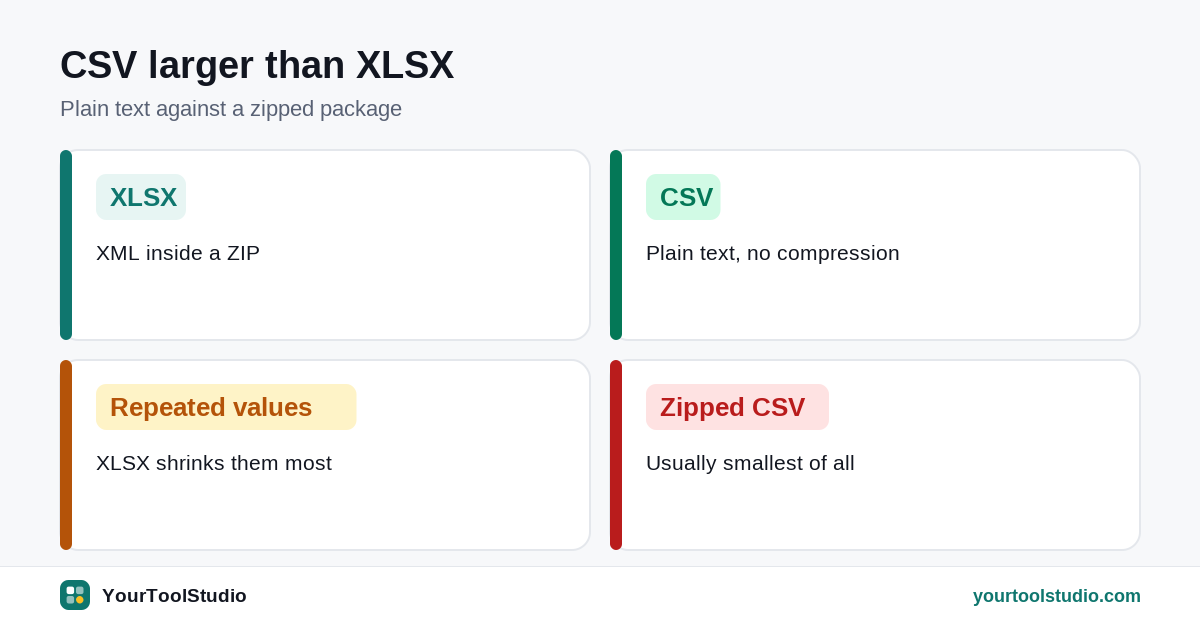
A CSV is usually larger than the same data saved as XLSX because an XLSX workbook is compressed and a CSV is not. Microsoft says the Open XML formats such as .xlsx use ZIP compression to store documents, while RFC 4180 describes CSV as plain text records separated by line breaks, so every character is stored in full. The more often values repeat in your sheet, the bigger the gap. The Microsoft pages and RFC 4180 were read, and the size test below was run, on 24 November 2026.
What is inside each file
An XLSX file is not one document but a package. Microsoft's Open XML formats page explains that the format uses ZIP compression and that all you need to open and edit an Office file is a ZIP utility and an XML editor. Inside the package, each worksheet is an XML file, and text that appears in cells can be kept once in a shared string table. Microsoft Learn describes that table as holding one occurrence of each unique string, with cells referring to the string by index instead of storing it inline, and says Excel always creates one when it saves a file.
A CSV has none of this. RFC 4180 defines each record as one line ending in a line break, fields separated by commas, and fields that contain commas, quotes or line breaks wrapped in double quotes. It also says spaces are part of a field and should not be ignored. Every date, city name and price is written out again on every row, as plain characters.
| CSV | XLSX | |
|---|---|---|
| Structure | One text file, one record per line | ZIP package of XML parts |
| Compression | None | ZIP compression on every part |
| Repeated text | Written out on every row | Can be stored once in the shared string table |
| Sheets | Excel saves only the active sheet | All sheets in one file |
| Formatting and formulas | Lost, values only | Kept |
| Opens in | Any text editor or spreadsheet app | Spreadsheet apps that read Open XML |
A real size test
To see the effect, we generated two sheets of 100,000 data rows plus a header, wrote each as XLSX with the ExcelJS library and as a CSV with CRLF line endings, and zipped the CSV with standard Deflate compression. The repetitive sheet had five columns: a date, one of five cities, one of three statuses, the same product name and the same price on every row. The unique sheet had an ID, a random code and a random amount on each row. Files saved by Excel itself will differ by a few percent, but the pattern is the same.
| Test sheet | CSV | XLSX | CSV in a ZIP | CSV compared with XLSX |
|---|---|---|---|---|
| Repetitive: 100,000 rows, 5 columns | 6,093,364 bytes | 1,972,095 bytes | 39,173 bytes | 3.1 times larger |
| Unique values: 100,000 rows, 3 columns | 2,557,153 bytes | 2,308,528 bytes | 1,468,827 bytes | 1.1 times larger |
Two things stand out. First, the worksheet XML inside the repetitive XLSX was 21,572,682 bytes before compression, three and a half times the size of the CSV, because XML wraps every cell in tags. ZIP compression shrank it to 1,965,969 bytes, about 9 percent of its raw size, and that is why the XLSX ends up smaller. Second, when the values are unique, the two formats come out close, because random data does not compress well.
Microsoft says Open XML files can be up to 75 percent smaller in some cases. That figure compares them with the older binary Office formats, not with CSV, and how much you save depends on what is in the cells.
Why one row costs more in CSV
Take one row from the repetitive test: 2026-11-01,London,Paid,Standard subscription plan,49.99. In a CSV that is 55 characters plus a 2 byte CRLF, so 57 bytes, and it is written again in full for each of the 100,000 rows. In the XLSX, the words London, Paid and Standard subscription plan can be stored once in the shared string table and each cell points to them by number, and the ZIP layer then squeezes the repeating XML patterns. A column of identical product names costs almost nothing in XLSX but costs its full length on every row in CSV.
- Long repeated text, such as product names, categories, addresses or notes, makes the biggest difference.
- Wide numbers with many decimal places are written digit by digit in CSV.
- Fields that contain commas or quotes get extra quote characters under the RFC 4180 rules, and every quote inside a field is doubled.
When a CSV is smaller than the XLSX
A CSV can still come out smaller, which is why answers online disagree. A short sheet of mostly unique numbers has little to compress, and the XLSX package carries fixed parts such as styles, a theme and relationship files whatever the size of the data. Workbooks with many sheets, heavy formatting, images or pivot caches are also larger as XLSX, while the CSV keeps only the values of the active sheet. If you are trying to make an Excel file smaller rather than a CSV, see why an Excel file is so large.
How to make the CSV smaller
- Zip it before sending. In the test above the zipped CSV was 39 KB, under 1 percent of the plain CSV and smaller than the XLSX. Not every upload form accepts ZIP, so check the form first. Our guide to ZIP files that do not get smaller explains when compression helps.
- Remove columns you do not need. Every column is written on every row, so dropping one long text column can cut the file far more than removing rows.
- Remove duplicate rows. Paste a column or a whole export into Remove Duplicate Lines to strip repeated records before you import them elsewhere.
- Shorten repeated values. Replace long labels with short codes using Find and Replace, if the system receiving the file accepts codes.
- Round numbers. If two decimal places are enough, set that before exporting so the CSV does not carry extra digits.
Which one should you send
| Situation | Better choice | Why |
|---|---|---|
| Importing into a database, CRM or script | CSV | Plain text that almost every system reads |
| Emailing a large data export | CSV inside a ZIP | Smallest file in most cases |
| Sharing with Excel users who need formulas | XLSX | Keeps sheets, formulas and formatting |
| Very large data near the row limit | CSV, split into parts | Excel sheets stop at a fixed row count, see the Excel row limit |
| Printing or sending a read-only copy | Use Excel to PDF |
If the problem is an upload limit rather than the format, check the Excel file size limits for the service you are using. If you only have a table locked in a PDF, PDF to Excel turns it back into a sheet you can export.
Sources and dates
| Source | Read | Used for |
|---|---|---|
| Microsoft Support: Open XML formats and file name extensions | 24 November 2026 | ZIP compression, up to 75 percent smaller, Excel extensions |
| Microsoft Learn: Working with the shared string table | 24 November 2026 | One copy of each unique string, cells refer by index |
| RFC 4180: Common Format and MIME Type for CSV Files | 24 November 2026 | CSV records, CRLF, quoting rules, spaces kept |
| Microsoft Support: File formats supported in Excel | 24 November 2026 | CSV saves only the active sheet, formatting lost |
| Size test run by YourToolStudio with ExcelJS and Deflate | 24 November 2026 | Byte counts in the test table |
Frequently asked questions
Is a CSV file always larger than an XLSX file?
No. A CSV is usually larger when values repeat, because XLSX is ZIP compressed. With mostly unique numbers the sizes are close, and a small sheet can be smaller as CSV because XLSX carries fixed package parts.
Why is my XLSX so small but the CSV so big?
The XLSX stores each sheet as XML inside a ZIP package, and repeated text can be kept once in a shared string table. The CSV writes every value out in full on every row, with no compression.
How can I make a CSV file smaller?
Zip it before sending, remove columns and duplicate rows you do not need, shorten repeated labels and round long decimals. In our test a zipped CSV was smaller than the XLSX.
Does saving as CSV lose data?
Microsoft says Excel saves only the active sheet as CSV, and that all formatting is lost when a workbook is saved in a text format, so keep the XLSX as your master copy.
Is CSV or XLSX better for large data?
CSV is better for importing into other systems and for data beyond the Excel row limit, especially zipped. XLSX is better when people need several sheets, formulas or formatting.