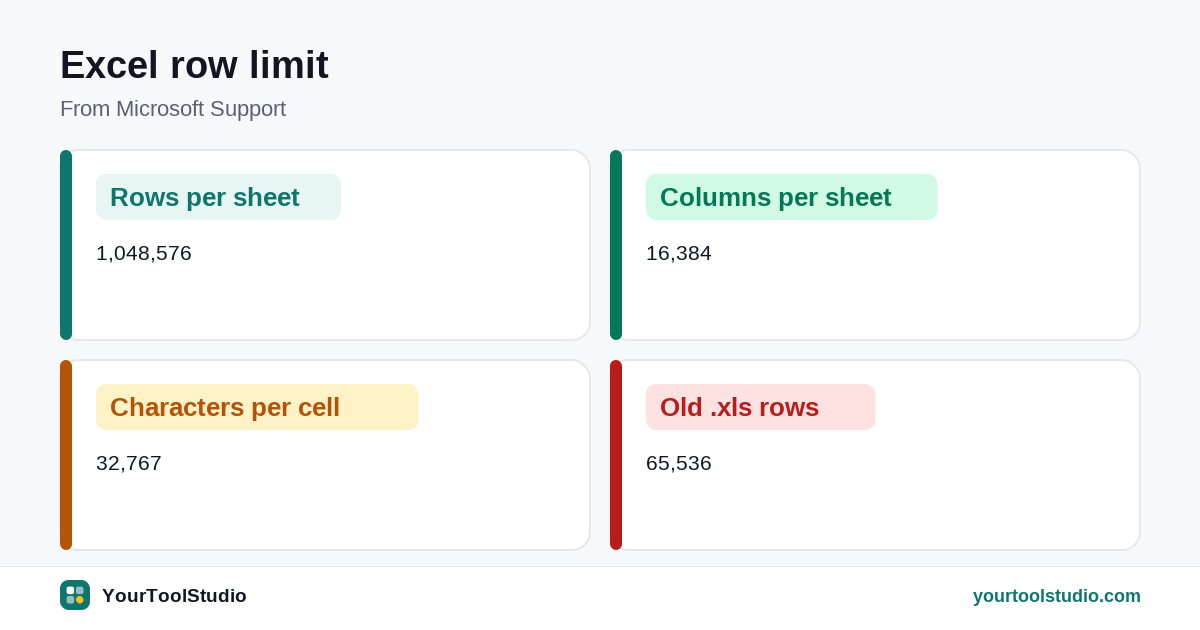
The Excel row limit is 1,048,576 rows per worksheet, with 16,384 columns, in Excel for Microsoft 365, Excel 2024, 2021, 2019 and 2016. The older .xls file format stops at 65,536 rows per sheet. Data beyond the grid can still be analysed through Power Query and the Data Model, which Microsoft lists at 1,999,999,997 rows per table. Figures below were checked on Microsoft Support on 23 November 2026.
Worksheet and workbook limits
| Limit | Maximum |
|---|---|
| Rows per worksheet (.xlsx) | 1,048,576 |
| Columns per worksheet (.xlsx) | 16,384 (A to XFD) |
| Rows per worksheet (.xls, Excel 97 to 2003 format) | 65,536 |
| Characters a cell can contain | 32,767 |
| Line feeds in one cell | 253 |
| Column width | 255 characters |
| Row height | 409 points |
| Characters in a header or footer | 255 |
| Sheets in a workbook | Limited by available memory |
| Hyperlinks in a worksheet | 65,530 |
| Unique cell formats or styles | 65,490 |
| Page breaks | 1,026 horizontal and vertical |
| Undo levels | 100 |
| Items in a filter drop-down | 10,000 |
| File name length, including the path | 218 characters |
| Zoom range | 10 to 400 percent |
The column count explains the last column name: 16,384 columns run from A to XFD. Rows and columns are fixed by the file format, so no setting, add-in or faster computer raises them.
Formula and number limits
| Limit | Maximum |
|---|---|
| Number precision | 15 digits |
| Largest positive number you can type | 9.99999999999999E+307 |
| Largest positive number a formula can return | 1.7976931348623158E+308 |
| Smallest positive number | 2.2251E-308 |
| Length of a formula | 8,192 characters |
| Arguments in one function | 255 |
| Nested levels of functions | 64 |
| Iterations | 32,767 |
| Earliest date for calculation | 1 January 1900 (1 January 1904 in the 1904 date system) |
| Latest date for calculation | 31 December 9999 |
| Largest amount of time you can enter | 9999:59:59 |
The 15 digit precision is the one that catches people out. Long ID numbers such as card or account style references lose their last digits when typed as numbers; format the column as Text before pasting them in.
PivotTable and Data Model limits
| Limit | Maximum |
|---|---|
| Unique items per PivotTable field | 1,048,576 |
| Report filters in a PivotTable | 256 |
| Value fields in a PivotTable | 256 |
| Rows in a Data Model table | 1,999,999,997 |
| Distinct values in a Data Model column | 1,999,999,997 |
| Tables in a Data Model | 2,147,483,647 |
| Characters in a table or column name | 100 |
| Excel for the web, workbook with a Data Model | 250 MB total file size |
File size and memory
- 32-bit Excel shares 2 GB of virtual address space between Excel, the workbook and add-ins. Microsoft says that from Excel 2016, 32-bit Excel can use twice that memory on 64-bit Windows.
- 64-bit Excel has no hard file size limit; Microsoft says workbook size is limited only by available memory and system resources.
- A large workbook is slow long before it reaches any limit. Our guide on why an Excel file is so large covers the usual causes.
What happens when a CSV has more rows than Excel
When you open a text or CSV file that is bigger than the grid, Excel warns that the data set is too large for the Excel grid and that saving the workbook will lose the data that was not loaded. Microsoft's advice:
- Do not save over the original file, or the rows that did not load are lost.
- In Excel for Windows, use Data, From Text/CSV, choose Load To and load it as a PivotTable Report, so Power Query brings in the complete data set.
- If you only need what fits, use File, Save a Copy to keep a shortened copy separately.
Working in Google Sheets instead? Its limit is counted in cells rather than rows; see our Google Sheets cell limit page.
Sources and dates
| Page | Checked | Used for |
|---|---|---|
| Microsoft: Excel specifications and limits | 23 November 2026 | Worksheet, calculation, PivotTable and memory limits |
| Microsoft: data set too large for the Excel grid | 23 November 2026 | .xls and .xlsx row counts, the warning and the Get Data workaround |
| Microsoft: Data Model specification and limits | 23 November 2026 | Rows per table, distinct values, tables, names, Excel for the web 250 MB |
Frequently asked questions
What is the maximum number of rows in Excel?
1,048,576 rows per worksheet, with 16,384 columns, in Excel for Microsoft 365 and Excel 2016 to 2024.
Why does my Excel stop at 65,536 rows?
The file is in the old .xls format, which allows 65,536 rows per sheet. Save it as .xlsx to get 1,048,576 rows.
Can I increase the Excel row limit?
No. The grid size is fixed. For larger data, load it through Power Query into the Data Model, which allows 1,999,999,997 rows per table.
How many characters can an Excel cell hold?
32,767 characters, with up to 253 line feeds in one cell.
Why does Excel change the last digits of long numbers?
Excel keeps 15 digits of precision. Store long IDs as text so every digit is kept.