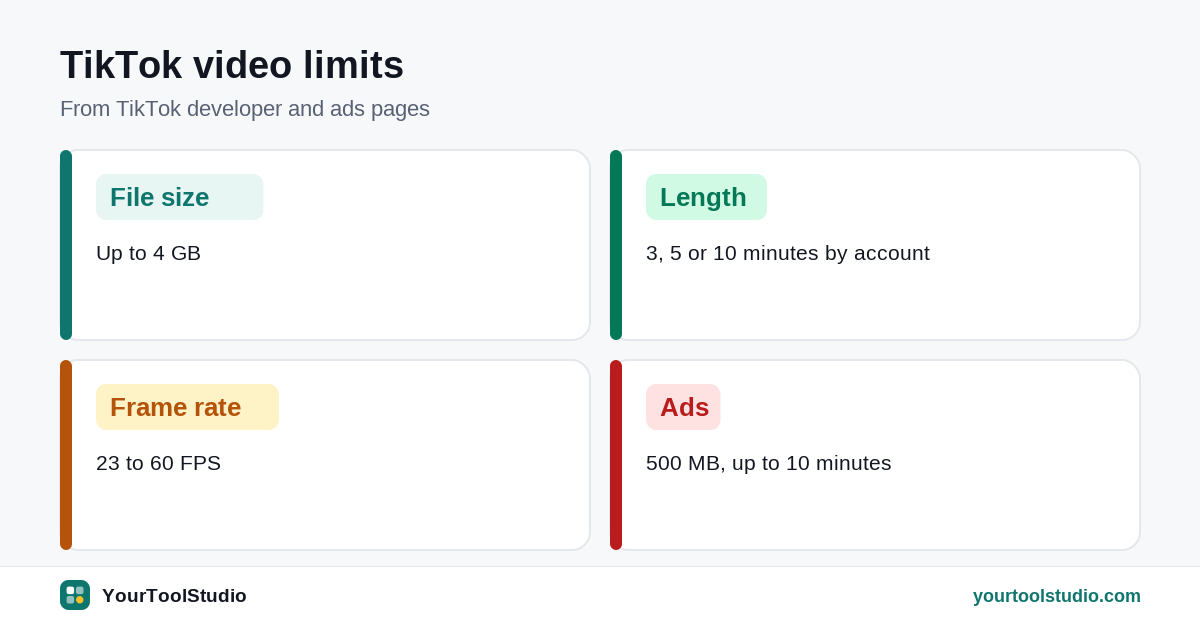
TikTok's developer documentation sets a maximum of 4 GB per video, a length that depends on the account (all creators can post 3 minute videos, and some can post 5 or 10 minutes), a frame rate of 23 to 60 FPS and a picture size of 360 to 4096 pixels on each side. TikTok in-feed video ads are capped lower, at 500 MB. These figures were checked on 20 November 2026 on TikTok's media transfer guide (last updated 4 August 2026) and its in-feed ads specification (last updated June 2026).
Video upload limits
| Specification | Published figure |
|---|---|
| Maximum file size | 4 GB |
| Length | 3 minutes for all creators; 5 or 10 minutes for some accounts |
| Longest video an app can send through the API | 10 minutes |
| Containers | MP4 (recommended), WebM, MOV |
| Video codecs | H.264 (recommended), H.265, VP8, VP9 |
| Frame rate | 23 FPS minimum, 60 FPS maximum |
| Width and height | 360 pixels minimum, 4096 pixels maximum, each side |
These limits are written for apps that post to TikTok through its Content Posting API, so they describe what TikTok's servers accept. The guide does not give separate figures for the phone app or the website.
Photo post limits
| Specification | Published figure |
|---|---|
| Formats | WebP, JPEG |
| Maximum picture size | 1080p |
| Maximum file size | 20 MB per image |
A PNG is not on the list, so convert it first with PNG to JPG. A photo larger than 1080p can be scaled with Resize Image.
In-feed video ad specs
| Specification | Non-Spark ads | Spark Ads (Pull) |
|---|---|---|
| Maximum file size | 500 MB or less | Not stated |
| Length | Up to 10 minutes | No restrictions |
| Formats | .mp4, .mov, .mpeg, .3gp, .avi | .mp4, .mov |
| Vertical 9:16 (recommended) | At least 540 x 960 px | Not stated |
| Horizontal 16:9 | At least 960 x 540 px | Not stated |
| Square 1:1 | At least 640 x 640 px | Not stated |
| Bitrate | At least 516 kbps | Not stated |
| Profile photo | 98 x 98 px, JPG or PNG, under 50 KB | Not stated |
Upload chunk rules for developers
Files are sent in pieces. The media transfer guide says each chunk must be at least 5 MB and at most 64 MB, except the last, which can be up to 128 MB. A file under 5 MB is sent whole, a file over 64 MB must be split, and one upload can have 1 to 1000 chunks, sent in order. The Direct Post reference adds that each access token is limited to 6 requests per minute and an upload address stays valid for one hour.
What TikTok does not publish
- App specific sizes. The 72 MB Android and 287.6 MB iPhone figures in many guides do not appear on any TikTok page we read.
- Help Center figures. We tried TikTok's support article on uploading videos, but no content loaded, so nothing here is taken from it.
- A 60 minute limit. The developer guide we read gives 10 minutes as the longest length.
Make a video fit
| Problem | Fix |
|---|---|
| Over 4 GB, or over 500 MB for an ad | Compress Video |
| Longer than your account allows | Trim Video |
| Wider than 4096 pixels | Resize Video |
| Wrong shape for a vertical feed | Crop Video, and our guide to cropping for TikTok and Instagram |
Compare with the Instagram video size limits and YouTube upload limits.
Frequently asked questions
What is the maximum video file size for TikTok?
TikTok's developer media transfer guide gives a maximum of 4 GB per video. In-feed video ads are limited to 500 MB.
How long can a TikTok video be?
TikTok says all creators can post 3 minute videos and some accounts can post 5 or 10 minutes. Ten minutes is the longest the developer guide lists.
What frame rate does TikTok accept?
Between 23 and 60 frames per second, according to TikTok's developer documentation.
Can I upload 4K video to TikTok?
The developer guide allows up to 4096 pixels on each side, so a 3840 x 2160 video is within the published picture size range.
What file types can I upload to TikTok?
The developer guide lists MP4, WebM and MOV for videos, and WebP and JPEG for photos.