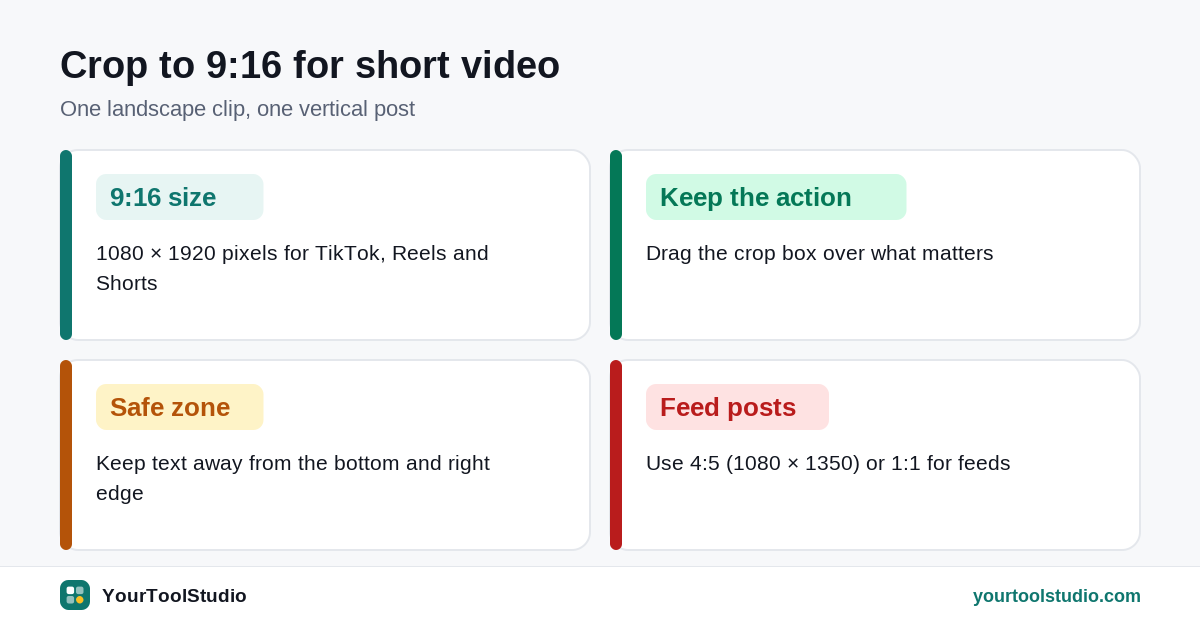
The short version: open Crop Video, add your clip, choose 9:16, drag the box over the subject and press Crop video. The result is a vertical MP4 ready for TikTok, Instagram Reels or YouTube Shorts.
Sizes for each platform
| Where | Shape | Recommended size |
|---|---|---|
| TikTok | 9:16 | 1080 × 1920 |
| Instagram Reels and Stories | 9:16 | 1080 × 1920 |
| YouTube Shorts | 9:16 | 1080 × 1920 |
| Instagram and Facebook feed | 4:5 | 1080 × 1350 |
| Square posts | 1:1 | 1080 × 1080 |
| YouTube, presentations | 16:9 | 1920 × 1080 |
Apps accept other sizes but fill the screen best with these. Platforms tweak their specs from time to time, so check their help pages for the latest. For cover images and thumbnails, Resize Image gets pictures to the exact pixel size.
Crop step by step
- Open Crop Video and add the clip.
- Pick 9:16. The box takes the full height of the video.
- Drag it left or right over the person or action you want to keep.
- Press Crop video and check the result in the player.
- Download the MP4 and upload it.
Free, no watermark, and your clip never leaves your phone or computer.
Crop or fit?
Cropping throws away the sides of a landscape clip. That suits a talking head or one subject, but not a wide shot. In that case, keep the whole frame and add bars instead: use Resize Video with the 9:16 size and Fit, and pick a background colour.
Keep text in the safe zone
Add titles with Add Text to Video, which lets you place text at the top or middle. A short, large line reads better on a phone than a long sentence.
Quality tips
- A 9:16 crop from a 1080p landscape video is only about 608 pixels wide. It looks fine on phones, but recording vertically or in 4K gives a sharper crop.
- Trim first with Trim Video; short-form videos work best under 60 seconds.
- If the file is too big to send, use Compress Video after cropping.
Frequently asked questions
What size is a TikTok video?
Vertical 9:16, ideally 1080 × 1920 pixels. Instagram Reels and YouTube Shorts use the same size.
How do I make a landscape video vertical without cutting it?
Use Resize Video with the 9:16 size and the Fit option. The full picture stays visible with bars above and below.
Will cropping make my video blurry?
The kept part has fewer pixels than the full frame. On a phone screen a crop from 1080p usually looks fine; crops from 4K look sharper.
Can I crop a video on iPhone for free?
Yes. Open Crop Video in Safari, choose the clip from Photos, pick 9:16 and save. The Photos app can also crop, but only by hand without exact shapes.
Does cropping change the length or sound?
No. Only the picture is cropped; the length and sound stay the same.