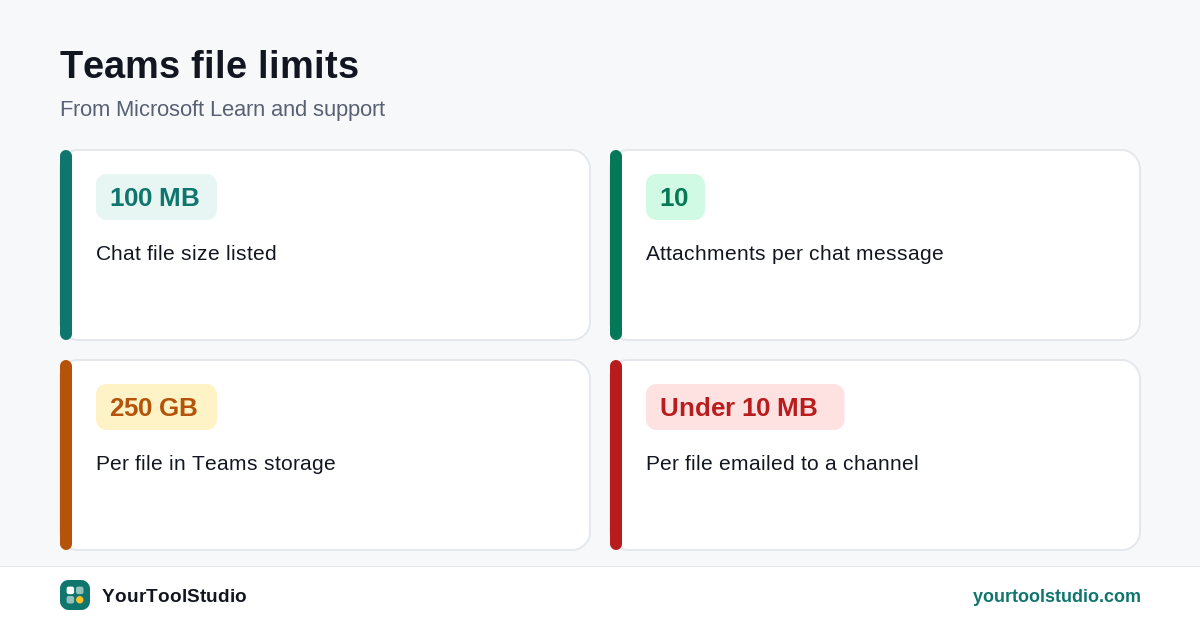
Microsoft's Teams limits page lists a 100 MB file size limitation and 10 attachments for chat, and a 250 GB upload limit per file for the SharePoint storage behind team files. Files emailed to a channel must each be under 10 MB. All figures below come from the Microsoft pages linked on this page, checked on 19 November 2026.
Teams limits at a glance
| Where you share the file | Published limit | Where the file is stored |
|---|---|---|
| Chat (one-to-one or group) | 100 MB file size limitation, up to 10 attachments | Microsoft Teams Chat Files folder in the sender's OneDrive |
| Channel Files tab | 250 GB per file | The team's SharePoint site |
| Email sent to a channel | Under 10 MB per file, up to 20 attachments | The channel |
| PowerPoint shared in a meeting | 2 GB | Not stated on the limits page |
| Teams Free chats and communities | 5 GB of storage in total, 250 GB per file in OneDrive | Microsoft Teams Chat Files folder in your OneDrive |
Chat limits
These come from the Chat table on the Microsoft Learn limits page.
| Item | Maximum |
|---|---|
| People in a private chat | 250, with up to 200 added at the same time |
| People in a video or audio call from chat | 20 |
| File attachments | 10 per message |
| File size limitation | 100 MB |
| Chat post size | About 100 KB, including text, image links, mentions and reactions |
| Recommended message size for reliable delivery | Within 80 KB |
Microsoft notes that the 100 KB post limit does not include base64 encoded images. In chats with more than 20 people, sharing, read receipts, the typing indicator, and audio and video calling are turned off.
Microsoft's file storage page says files sent in chat are stored in your OneDrive for Business and shared only with the people in that conversation. That means the file also counts against your OneDrive storage.
Channel and team storage limits
Each team has a SharePoint site, and each standard channel gets a folder in that site's document library. Private and shared channels have their own SharePoint sites, as explained in Microsoft's Teams and SharePoint integration guide.
| Item | Business Basic, Business Standard, E1, E3 and E5 | Office 365 F1 |
|---|---|---|
| Organization storage | 1 TB plus 10 GB per license purchased | 1 TB per organization |
| Storage for Teams files | Up to 25 TB per site or group | Up to 25 TB per site or group |
| File upload limit, per file | 250 GB | 250 GB |
| Team or channel item | Maximum |
|---|---|
| Channel conversation post | About 100 KB per post |
| Channels per team, including deleted ones for 30 days | 1,000 |
| Members in a team | 25,000 |
| Members in a private channel | 5,000 |
| Teams a shared channel can be shared with | 50, not counting the parent team |
Emailing a channel
Each channel has an email address, and messages sent to it have tighter limits than files uploaded in Teams.
| Item | Maximum |
|---|---|
| Message size | 24 KB, after which a preview is shown with a link to the original |
| File attachments | 20 |
| Size of each attachment | Less than 10 MB |
| Inline images | 50 |
| Sending rate | 6 emails per 10 seconds per channel per user, and 8 per 10 seconds per tenant per user |
Microsoft says these email limits are the same across all Microsoft 365 and Office 365 licenses, and that emailing a channel is not available for GCC, GCC High and DoD organizations.
Meetings and recordings
| Item | Maximum |
|---|---|
| PowerPoint file shared in a meeting | 2 GB |
| Meeting recording length | 4 hours or 1.5 GB, after which the recording ends and restarts automatically |
| Recordings kept for local download when not uploaded to Stream | 20 days |
| Meetings and events, including webinars and town halls | 30 hours |
| People in a meeting on Business Basic, Standard, Premium, Teams Essentials and A1 | 300 |
| People in a meeting on E3, E5, F1, F3 and similar plans listed by Microsoft | 1,000 |
Teams Free
Microsoft's Teams Free storage page says files attached in chats and communities are uploaded to the Microsoft Teams Chat Files folder in your OneDrive, with 5 GB of free storage for documents. It lists 250 GB as the upload and download size for individual files in OneDrive. Images and videos are not saved to OneDrive and have no storage limit, and chat messages have no limit.
Channel names Teams rejects
| Type | Not allowed |
|---|---|
| Characters | ~ # % & * { } + / \ : < > ? | ' " , and two periods in a row |
| Reserved words | forms, CON, CONIN$, CONOUT$, PRN, AUX, NUL, COM1 to COM9, LPT1 to LPT9, desktop.ini, _vti_ |
| Start or end | Cannot start with an underscore or period, or end with a period |
Fixes when a file will not send
| Problem | What to do | Tool |
|---|---|---|
| Video is over 100 MB for chat | Lower its resolution or bitrate, or share it from OneDrive | Compress Video |
| PDF is over 10 MB for a channel email | Shrink the images inside it | Compress PDF |
| Long report will not fit | Send it in parts | Split PDF |
| More than 10 files for one chat message | Send them in two messages, or combine documents first | Merge PDF |
| Screen recording is too large | Trim the parts you do not need | Trim Video |
Teams files live in OneDrive and SharePoint, so those limits also apply. See our OneDrive limits chart and Slack limits chart to compare.
Frequently asked questions
What is the Microsoft Teams file size limit?
Microsoft lists a 100 MB file size limitation for chat and 250 GB per file for the SharePoint storage behind team files. Files emailed to a channel must be under 10 MB each.
How many files can I attach to a Teams chat message?
Microsoft lists 10 file attachments for chat. Above that, Teams shows an error, so split the files across messages.
Where are Teams chat files stored?
In the Microsoft Teams Chat Files folder in the sender's OneDrive for Business, shared only with the people in that conversation.
How big can a file be when emailing a Teams channel?
Each attachment must be under 10 MB, with up to 20 attachments and 50 inline images per email.
How long can a Teams meeting recording be?
Microsoft lists 4 hours or 1.5 GB. When either is reached, the recording ends and restarts automatically.
How much storage does Teams Free include?
Microsoft lists 5 GB for files shared in chats and communities. Images and videos are not saved to OneDrive and have no storage limit.