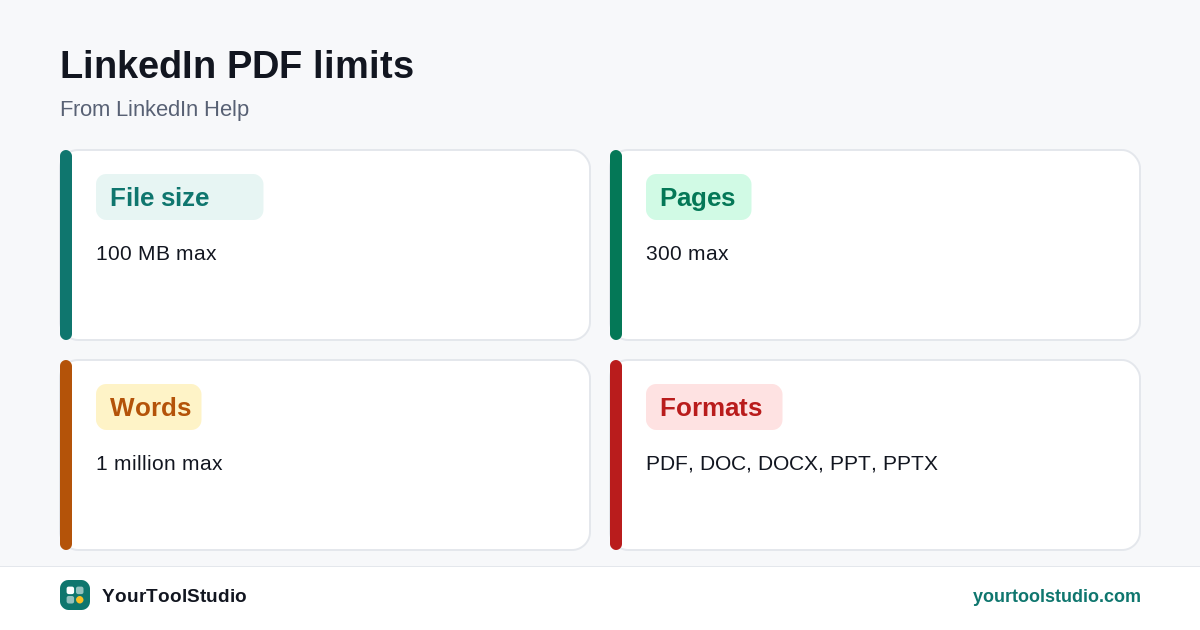
LinkedIn Help says a document post, the kind used for PDF carousels, can be up to 100 MB and 300 pages, with a word limit of one million words, in PDF, DOC, DOCX, PPT or PPTX format, and only one document per post. LinkedIn Help does not set a required pixel size or aspect ratio for document posts. Every figure below was read on LinkedIn's own help and advertising pages on 23 November 2026.
Document post limits
| Limit | What LinkedIn states | LinkedIn page |
|---|---|---|
| Maximum file size | 100 MB | Upload and share documents |
| Maximum pages | 300 pages | Upload and share documents |
| Maximum words | One million words | Media file types supported |
| File types | PDF, DOC, DOCX, PPT, PPTX on desktop, iOS and Android | Media file types supported |
| Documents per post | One | Document uploads FAQ |
| Title | Required | Document uploads FAQ |
| Where you can post | From the homepage, a Group or a LinkedIn Page | Upload and share documents |
| Pixel size or aspect ratio | Not stated for document posts | None |
The upload help page was marked as last updated three years ago and the media types page two months ago when we read them; both gave the same 100 MB and 300 page limits. The FAQ page lists one format as PPTS, which appears to be a typo for PPTX given the other two pages.
PDF preparation rules
LinkedIn Help adds rules about how the file must be built, which are where many carousel uploads go wrong:
| Rule | What to do | Tool that helps |
|---|---|---|
| PDFs with several layers must be flattened or merged | Flatten the PDF before upload, especially exports with editable text layers or form fields | Flatten PDF |
| Pages of different sizes must be fitted to one page size | Export every slide at the same size from your design app | Organize PDF to check the order |
| Hyperlinks must be secure | Use https links in the document | None needed |
| Videos and animations are not supported | They show as static images, so export the frame you want shown | PDF to JPG to preview pages |
| The document cannot be edited after posting | Only the title and description can change; to replace the file, delete the post and post again | None |
| Viewers can download it | LinkedIn lets members who can see the post download the document as a PDF, so do not include anything private | None |
Document ad limits
Sponsored document ads follow the same file limits, with a few differences stated in LinkedIn Marketing Solutions Help and the LinkedIn ads guide:
| Item | Document ads | Source |
|---|---|---|
| File size and pages | 100 MB and 300 pages | Document ads specifications |
| Words | One million | Document ads specifications |
| Documents | Up to five per ad | Document ads specifications |
| Lead generation objective | PDF only | Document ads specifications |
| Headline | 70 characters to avoid shortening, 200 maximum | Document ads specifications |
| Introductory text | 150 characters to avoid shortening, 3,000 maximum | Document ads specifications |
| Recommended length | Under 10 pages | LinkedIn ads guide: Document ads |
| Aspect ratio | Vertical, horizontal or square | LinkedIn ads guide: Document ads |
The Marketing Solutions Help page also says hyperlinks in a document ad are clickable only if the member downloads the document.
Standard page layouts LinkedIn lists
The LinkedIn ads guide lists these standard PDF layouts in inches. The points column is our own calculation at 72 points per inch, the unit PDF page sizes use, rounded to whole points, so you can match a custom size in a design app.
| Layout | Inches (LinkedIn) | Points (our calculation) |
|---|---|---|
| Letter | 8.5 x 11 | 612 x 792 |
| Legal | 8.5 x 14 | 612 x 1008 |
| Tabloid | 11 x 17 | 792 x 1224 |
| Statement | 5.5 x 8.5 | 396 x 612 |
| Executive | 7.25 x 10.5 | 522 x 756 |
| Folio | 8.5 x 13 | 612 x 936 |
| A4 | 8.27 x 11.69 | 595 x 842 |
| A3 | 11.69 x 16.54 | 842 x 1191 |
| B5 | 6.93 x 9.84 | 499 x 708 |
| B4 | 9.84 x 13.90 | 708 x 1001 |
Square sizes such as 1080 x 1080 and portrait sizes such as 1080 x 1350 are common conventions in design templates, but LinkedIn Help does not require them. Whatever size you choose, keep every page the same size.
If your PDF is over the limit
- Over 100 MB: large photos are usually the cause. Shrink the file with Compress PDF and check the slides still look sharp.
- Over 300 pages: split the deck into two posts, or remove pages with Organize PDF.
- Slides saved as separate images: combine them into one PDF with JPG to PDF, or join several PDFs with Merge PDF.
- Upload fails with a designed PDF: flatten it with Flatten PDF, as LinkedIn asks for multi layer PDFs.
For image and video posts, see our LinkedIn image sizes and LinkedIn video size limits guides.
Frequently asked questions
What is the maximum PDF size for a LinkedIn carousel?
LinkedIn Help limits document posts, which is how PDF carousels are posted, to 100 MB and 300 pages.
What size should LinkedIn carousel slides be?
LinkedIn Help does not require a pixel size for document posts. Its ads guide accepts vertical, horizontal or square pages; keep every page the same size.
Can I upload more than one PDF to a LinkedIn post?
No. LinkedIn Help says you can add only one document to a post. Document ads can use up to five documents.
Can I edit a LinkedIn document after posting it?
You can edit its title and description, but not the document. To change the file, delete the post and post it again.
Why does my LinkedIn carousel fail to upload?
Check that it is under 100 MB and 300 pages, that every page is the same size, and that a multi layer PDF has been flattened, as LinkedIn Help asks.