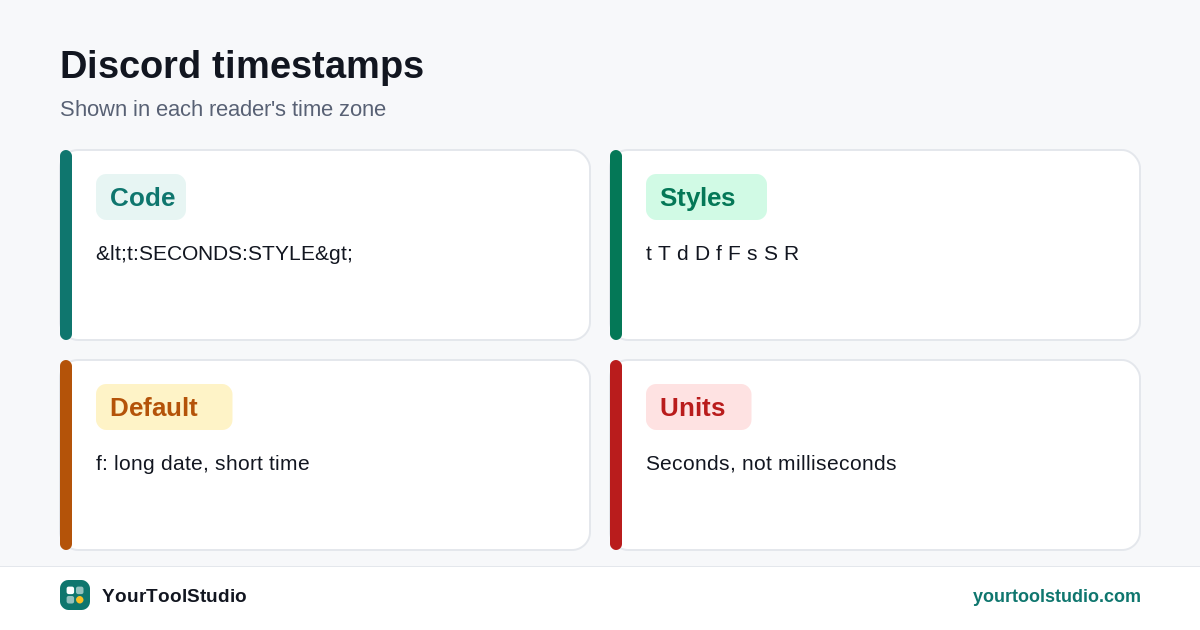
A Discord timestamp is written as <t:SECONDS:STYLE>, where SECONDS is a Unix time in seconds and STYLE is one of nine letters: t, T, d, D, f, F, s, S or R. Leave the style out, as in <t:1618953630>, and Discord uses f, a long date with a short time. Discord shows the result in each reader's own time zone and locale. The styles below were checked against the Discord developer documentation on 25 November 2026.
All Discord timestamp styles
The examples use the timestamp from Discord's own documentation, 1618953630, which is 20 April 2021 at 21:20:30 UTC. Discord's table shows it as 16:20, the time for a reader five hours behind UTC; your readers will see their own local time instead.
| Style | Code to type | Example shown in Discord docs | Name in the docs |
|---|---|---|---|
| t | <t:1618953630:t> | 16:20 | Short Time |
| T | <t:1618953630:T> | 16:20:30 | Medium Time |
| d | <t:1618953630:d> | 20/04/2021 | Short Date |
| D | <t:1618953630:D> | April 20, 2021 | Long Date |
| f (default) | <t:1618953630:f> or <t:1618953630> | April 20, 2021 at 16:20 | Long Date, Short Time |
| F | <t:1618953630:F> | Tuesday, April 20, 2021 at 16:20 | Full Date, Short Time |
| s | <t:1618953630:s> | 20/04/2021, 16:20 | Short Date, Short Time |
| S | <t:1618953630:S> | 20/04/2021, 16:20:30 | Short Date, Medium Time |
| R | <t:1618953630:R> | 4 years ago | Relative Time |
The style letters are case sensitive: lowercase t is the short time and uppercase T adds seconds. The order of day and month, and whether the clock is 12 or 24 hour, follows each reader's language setting, so the same code can read 20/04/2021 for one member and 4/20/2021 for another. If you only need a date and time without the month written out, s and S are the shortest styles that show both.
Which style to use
| You want to show | Use | Example code |
|---|---|---|
| When an event starts, with the date | F or f | <t:1798156800:F> |
| A countdown that updates by itself | R | <t:1798156800:R> |
| Both the date and a countdown | F followed by R | <t:1798156800:F> (<t:1798156800:R>) |
| Just a time for today | t | <t:1798156800:t> |
| A compact date in a table or list | d or s | <t:1798156800:d> |
In these examples, 1798156800 is 25 December 2026 at 00:00 UTC, calculated with JavaScript Date.
How to get the Unix seconds
- Open Unix Timestamp Converter and enter the date and time in your own time zone.
- Copy the result in seconds. Discord's documentation states that timestamps are expressed in seconds.
- If you have a 13 digit number, it is in milliseconds: remove the last three digits. 1618953630000 becomes 1618953630.
- Type
<t:, paste the number, add:and a style letter, then close with>. - Send the message and check that the time shown matches the local time you started from.
For the background on Unix time itself, read Unix timestamps explained.
When a timestamp does not work
| What you see | Likely cause | Fix |
|---|---|---|
| The code shows as plain text | A missing angle bracket or colon, or a space inside the code | Write it exactly as <t:1618953630:R> with no spaces |
| The year is tens of thousands in the future | The number is in milliseconds | Drop the last three digits |
| The time is hours off | The seconds were worked out from the wrong time zone | Rebuild the timestamp from the correct local time or from UTC |
| An unknown style letter | The letter is not one of the nine in the table | Use t, T, d, D, f, F, s, S or R |
Bonus: the time hidden in a Discord ID
Every Discord ID is a snowflake, and Discord documents that its top 42 bits are the milliseconds since the Discord Epoch, the first second of 2015, or 1420070400000. The formula in the docs is (snowflake >> 22) + 1420070400000. Applied to the example user ID in the documentation, 80351110224678912, it gives 10 August 2015 at 17:26:37 UTC. Divide the result by 1,000 and you can drop it into a timestamp code. Sharing files on the same server? See Discord file size limits.
Sources and dates
| Page | Checked | Used for |
|---|---|---|
| Discord Developer Docs: Reference, Message Formatting | 25 November 2026 | Timestamp code structure, the nine styles and their examples, f as default, seconds and local time zone |
| Discord Developer Docs: Reference, Snowflakes | 25 November 2026 | Discord Epoch and the snowflake timestamp formula |
Frequently asked questions
What is the Discord timestamp format?
Type <t:SECONDS:STYLE>, for example <t:1618953630:R>. SECONDS is a Unix time in seconds and STYLE is one of t, T, d, D, f, F, s, S or R.
How do I make a Discord countdown?
Use the R style, for example <t:1798156800:R>. It shows a relative time such as in 3 days and updates as time passes.
What is the default Discord timestamp style?
f, which shows a long date with a short time, such as April 20, 2021 at 16:20. It is used when you leave the style letter out.
Do Discord timestamps show in my time zone?
Yes. Discord displays the timestamp in each reader's own time zone and locale, so everyone sees their local time.
Why is my Discord timestamp thousands of years away?
The number is probably in milliseconds. Discord expects seconds, so remove the last three digits of a 13 digit number.