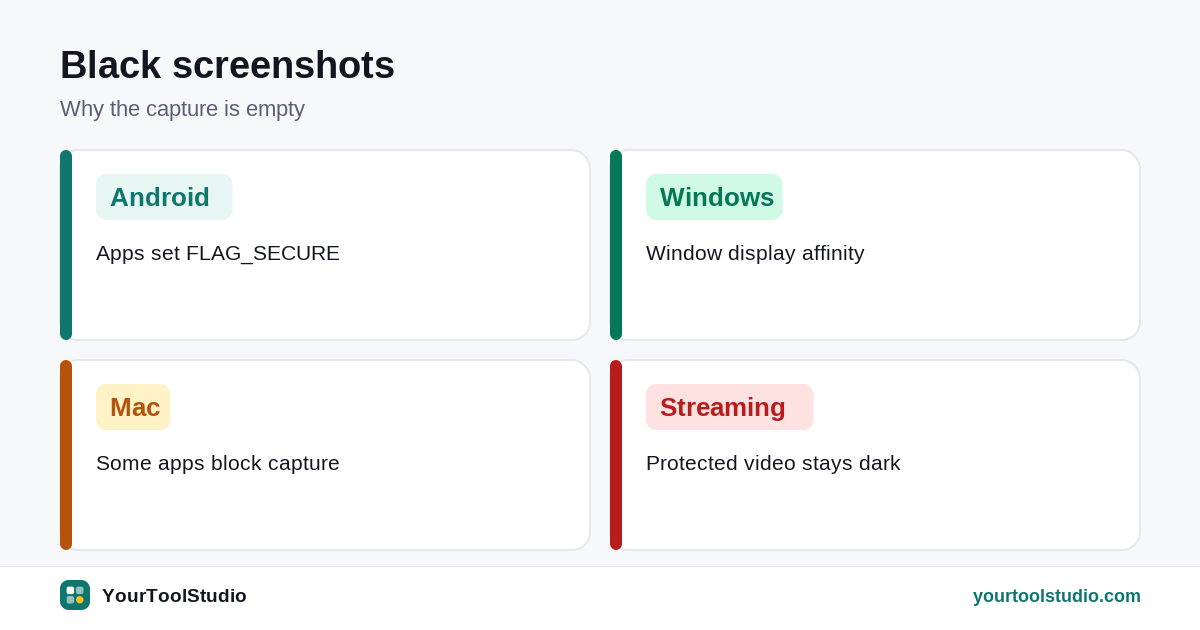
A screenshot is black when the app on screen has asked the operating system to keep its window out of screenshots and recordings, which banking apps, password managers, private browsing and streaming video services commonly do. The device is working: it captures everything else, but the protected window is left empty. Android, Windows and macOS all have documented ways for apps to do this; the developer pages used here were read on 25 November 2026.
Quick diagnosis
The shape of the black area tells you most of what you need. Check the screenshot before changing any settings.
| What the screenshot shows | What it usually means | What to do |
|---|---|---|
| Everything black on a phone, only in one app | The app marks its screens as secure | Nothing to fix; screenshot another app to confirm |
| Only one window black, the desktop visible around it | That program hides its window from capture | Capture the parts you need from somewhere else |
| Only the video area black, controls and subtitles visible | Protected streaming video | Expected; the service does not allow captures |
| Video goes black on the screen itself, sound keeps playing | A display, cable or mirroring problem, not the screenshot | Turn off mirroring and Sidecar, check the cable |
| Every screenshot black, in every app | A real fault | Restart, update the system and check the screenshot settings |
Android: apps that set FLAG_SECURE
Android gives every app a window flag called FLAG_SECURE. The Android reference describes it as treating the window content as secure, preventing it from appearing in screenshots or from being viewed on non-secure displays. Android's own fraud prevention guide for developers recommends it for sensitive screens and says plainly that when the screenshot is taken the resulting image is blank. The same guide lists casting the screen to a TV or projector as one of the things the flag blocks.
The kind of app that uses it is the kind the guide has in mind: screens with account details, payments, passwords or other private information. Because the flag belongs to the app, there is no system switch to turn it off. If you need a record of a transfer or a booking, look for a share, download or email receipt option inside the app instead.
The guide is also honest about limits. It says that on Android 11 and lower the flag helps reliably on only around 70 percent of devices, and that it does not protect against every kind of attack. So a screenshot that works on one phone and comes out black on another, in the same app, is normal behaviour rather than a fault on either phone.
Windows: window display affinity
On Windows, a program can call a function named SetWindowDisplayAffinity. Microsoft documents two settings. With WDA_MONITOR, the window is shown only on the monitor, and everywhere else, such as a screenshot or a recording, it appears with no content. With WDA_EXCLUDEFROMCAPTURE, introduced in Windows 10 version 2004, the window does not appear in captures at all, so you see whatever is behind it. On older versions of Windows the second setting behaves like the first.
That is why the Snipping Tool or Print Screen can show a black rectangle exactly where one program sits while the taskbar and other windows are fine. Microsoft adds that this is not a security feature or DRM and gives no guarantee: it notes, for example, that someone could still photograph the screen. It also only works while the Desktop Window Manager is composing the desktop, which is the normal state on current Windows.
Mac: apps that refuse capture
Apple's guide to taking screenshots on a Mac says some apps, such as the Apple TV app, might not let you take screenshots of their windows. When that happens the rest of the screenshot is normal and the protected window or video is dark. Browser video from streaming services can behave the same way, depending on the browser and the service.
There is a separate Mac problem that looks similar but is not about screenshots. Netflix's help page for a black screen with sound says screen mirroring and Sidecar are no longer supported by Netflix and need to be turned off while it plays, and that AirPlay and screen mirroring are no longer supported on iPhone, iPad and Mac. If the video goes black on your actual screen after you take a screenshot or connect an iPad, check those first.
Streaming video: why the picture is empty
Streaming services play films as encrypted media, and in a browser that runs through Encrypted Media Extensions. The W3C Encrypted Media Extensions specification, which browsers use for this, says it does not define a content protection or DRM system itself. It leaves that to each service and the decryption module it uses, and it allows a key to be unusable when output protection conditions are not met. In practice the services use these protections to keep the video out of captures, so the frame comes out black while the player controls and subtitles, which are drawn separately, may still be visible.
This is intentional, and it applies to recordings as well as screenshots. Our Screen Recorder uses the screen sharing feature built into your browser, so it sees exactly what a screenshot sees: a protected window or video will be empty in it too. That is by design, and we do not offer ways around it. Films and series are copyrighted, so if you need an image for a review or an article, use the official press images or ask the rights holder.
When every screenshot is black
If the home screen, the settings app and a plain web page all come out black, the cause is not an app. Work through these in order.
- Restart the device. A stuck screenshot service or graphics driver is cleared by a full restart more often than by anything else.
- Update the system and the graphics driver. On Windows, Netflix's own black screen advice also starts with updating video drivers.
- Stop mirroring and casting. Disconnect AirPlay, Sidecar, Chromecast or a wireless display and try again with only the built-in screen.
- Try another method. On a Mac, compare Shift-Command-3 with the Screenshot app; on Windows, compare Print Screen with the Snipping Tool. If one works, the other is misconfigured.
What you can do with the screenshot instead
Often the black area is only part of what you wanted. Take a normal screenshot of the rest and tidy it up: Crop Image removes the empty rectangle, Blur Image hides names or account numbers before you share a picture of a support chat, and Compress Image makes it small enough for an email or a form. If you need to send several screenshots as one file, JPG to PDF combines them. To read a QR code from a screenshot, see how to scan a QR code from a screenshot.
Works in your browser, so the screenshot is not uploaded. Free, no sign up.
Sources and dates
| Page | Read | Used for |
|---|---|---|
| Android Developers: Secure sensitive activities | 25 November 2026 | FLAG_SECURE blocks screenshots and casting, blank image, 70 percent note for Android 11 and lower |
| Android reference: WindowManager.LayoutParams FLAG_SECURE | 25 November 2026 | Definition of the secure window flag |
| Microsoft Learn: SetWindowDisplayAffinity | 25 November 2026 | WDA_MONITOR, WDA_EXCLUDEFROMCAPTURE, Windows 10 version 2004, no guarantee |
| Apple Support: Take a screenshot on Mac | 25 November 2026 | Some apps such as the Apple TV app might not allow screenshots |
| Netflix Help: Black screen with sound | 25 November 2026 | Mirroring, AirPlay and Sidecar not supported, HDCP 2.2 adapters, drivers |
| W3C: Encrypted Media Extensions | 25 November 2026 | The specification does not define DRM itself; output protection conditions |
Frequently asked questions
Why is my screenshot black?
The app on screen asked the system to keep its window out of screenshots, which banking, password, private browsing and streaming apps often do. The device is fine; screenshots of other apps still work.
Why is my screenshot black on Netflix?
Netflix video is protected, so the frame is left empty in screenshots and recordings. This is intentional and there is no setting to change it.
Why are my screenshots black on Android?
Android apps can set FLAG_SECURE, which Android documents as stopping the window from appearing in screenshots. The captured image is blank. It depends on the app, not on your phone.
Why is only one window black in my Windows screenshot?
That program uses window display affinity, which Microsoft documents as showing the window with no content, or not at all, outside the monitor. Other windows are captured normally.
Will a screen recorder fix a black screenshot?
No. Screen recorders use the same capture as screenshots, so a protected window or video is black in recordings too.