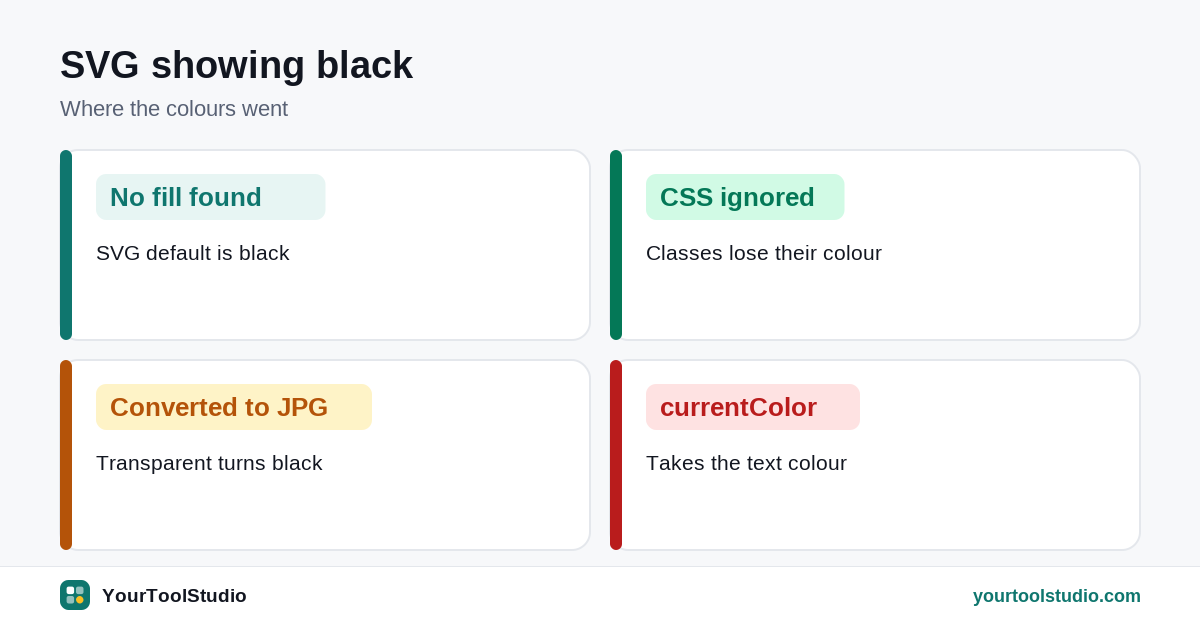
An SVG shows as black because the program drawing it could not find the colours, and the SVG standard says that a shape with no fill is painted black. The colours are usually still in the file but stored in a way the app ignores, such as a CSS style block, an external stylesheet or a gradient link it cannot follow, or the transparent background was flattened onto black during a conversion. The W3C, WHATWG and MDN pages used here were read on 24 November 2026.
The rule behind every black SVG
The W3C SVG 2 specification defines the fill property with an initial value of black, and the stroke property with an initial value of none. MDN lists the same default for circle, ellipse, path, polygon, polyline, rect and text. So when a path arrives without any colour information that the program understands, the program is following the standard when it paints the whole shape black, and a line drawing made only of strokes can vanish as well, because its outlines default to no stroke at all.
That is why the symptom is so consistent across apps: a website, a cutting machine program, a slide app and an image converter can all fail in different ways, yet each lands on the same black result. The fix is always to find where the colours are stored and get them into a form the receiving program reads.
Find your cause in one minute
| What you see | Most likely cause | Fix |
|---|---|---|
| Colour in the browser, black in another app | Colours are stored in CSS that the app ignores | Fix 1: use fill attributes |
| Black on your website but correct when opened directly | An external stylesheet is not loaded in an img tag | Fix 2: inline the colours |
| A gradient or pattern area is black or empty | The url reference points to a missing id | Fix 3: repair the link |
| Black background after converting to JPG | Transparency flattened onto black | Fix 4: add a background or keep PNG |
| Icon is black on a dark page and invisible | fill is set to currentColor | Fix 5: set the color or a fixed fill |
| The whole image is a black square | A full-size background shape has no fill | Fix 1, then check the first shape in the file |
Fix 1: the app ignores CSS styles
SVG colours can be written in three places: as a presentation attribute on the shape, such as fill="#e63946"; in a style attribute on the shape; or in a <style> block that targets class names, such as .cls-1 { fill: #e63946; }. MDN notes that when the attribute and the CSS property are both present, the CSS wins in browsers. Browsers read all three, but some programs outside the browser read only the attribute, which is why design apps offer an SVG export setting for presentation attributes. When such a program meets a shape that only has class="cls-1", it finds no fill and paints it black.
To check, open the file in a text editor. If you see a <style> section near the top and shapes with class names but no fill attribute, this is your cause. The fix is to re-export with styling set to presentation attributes, which most design apps offer in their SVG export options; our guide to SVG export problems lists the Illustrator settings. If you cannot re-export, copy each colour from the style block into a fill attribute on the matching shapes.
Fix 2: the colours live in an external stylesheet
Web developers sometimes keep icon colours in the site stylesheet. That works for SVG code pasted straight into the page, but not for an SVG placed with an <img> tag or a CSS background. MDN explains that when SVG is used as an image, browsers may block external resources such as stylesheets and images, and disable JavaScript, unless they are inlined with data URLs. The SVG then falls back to its defaults, which means black fills.
- Put the colours inside the SVG file itself, as fill attributes or an internal style block.
- Or paste the SVG markup directly into the HTML, where the page CSS can reach it.
- Or load it with an object or iframe element, where MDN says the image restrictions do not apply.
Fix 3: a gradient or pattern link is broken
Gradients and patterns are stored as separate elements with an id, and shapes point to them with values such as fill="url(#grad1)". The SVG 2 specification says that if the reference points to an element that does not exist, and no fallback colour is given, no paint is rendered for that layer. Under the older SVG 1.1 rules such a document was treated as being in error, so older programs may show it differently. Either way the gradient disappears, and if a black shape sits behind it, black is what you see.
This often happens when an icon is copied out of a larger file, when two SVGs pasted into one page use the same gradient id, or when an optimiser renames ids. Search the file for each url(# value and confirm a matching id= exists. You can also add a fallback colour after the link, as the specification allows: fill="url(#grad1) #e63946".
Fix 4: the background turned black after converting
Most SVG logos have a transparent background. JPG cannot store transparency, so the converter has to choose a colour for those pixels. The WHATWG HTML Standard tells browsers that when a canvas is saved in a format without an alpha channel, the image must be composited onto an opaque black background. Any web converter that draws your SVG on a canvas and saves a JPG without first painting a background will therefore give you a black square behind the logo.
Our SVG to PNG converter avoids this. It keeps transparency for PNG and WebP, and when you choose JPG it paints white, or a colour you pick, behind the drawing before saving. If you already have a black-backed PNG, see why a PNG background turns black and why a PNG is not transparent.
Fix 5: fill is set to currentColor
Icon sets often use fill="currentColor" so the icon takes the colour of the surrounding text. MDN describes the CSS color property as the one that sets the currentColor value, with an initial value of canvastext, the default text colour, which is black on a light page. When such an icon is shown outside a page that sets a colour, for example in an img tag, an editor or a converter, it comes out black. Set a colour on the parent element in your CSS, add color="#e63946" on the root svg element, or replace currentColor with a fixed colour before handing the file to other apps.
Before you send an SVG to another app
- Open it in a browser to confirm it looks right on its own.
- Check that every visible shape has a fill attribute or an inline style, not only a class.
- Embed images and convert text to outlines so nothing is linked from outside the file.
- Confirm every url(#id) link has a matching id.
- Run it through Compress SVG to strip editor metadata, then check the colours once more.
If an app does not accept SVG at all, or keeps turning it black whatever you try, export a high resolution PNG with SVG to PNG and use that instead. To go the other way and trace a logo into a vector, use PNG to SVG.
Sources and dates
| Page | Read | Used for |
|---|---|---|
| W3C: SVG 2, Painting | 24 November 2026 | fill initial value black, stroke initial value none, broken paint server references and fallback colours |
| MDN: fill attribute | 24 November 2026 | Default value black per element; CSS property takes priority over the attribute |
| MDN: SVG as an image | 24 November 2026 | External stylesheets and scripts blocked in image contexts |
| WHATWG HTML Standard: canvas | 24 November 2026 | Formats without alpha composited onto opaque black |
| MDN: color property | 24 November 2026 | currentColor and the canvastext initial value |
Frequently asked questions
Why is my SVG black in Cricut Design Space or another cutting app?
The colours are most likely stored in a CSS style block with class names, which many cutting programs do not read. Re-export with presentation attributes, or copy each colour into a fill attribute on its shapes.
Why does my SVG show black on my website but not on my computer?
If you placed it with an img tag, the browser does not load external stylesheets into it, so colours kept in your site CSS are lost. Put the colours inside the SVG or paste the SVG code into the page.
Why did my SVG get a black background when I converted it to JPG?
JPG has no transparency, and the HTML Standard tells browsers to flatten such images onto black. Choose a white or coloured background before converting, or save as PNG to keep it transparent.
What colour is an SVG shape with no fill?
Black. The SVG 2 specification gives fill an initial value of black, while stroke defaults to none, so an outline-only drawing with no stroke set can disappear.
Why is my SVG icon black when it uses currentColor?
currentColor copies the text colour of the element around the icon, which defaults to black on a light page. Set a colour on the parent element or replace currentColor with a fixed value.