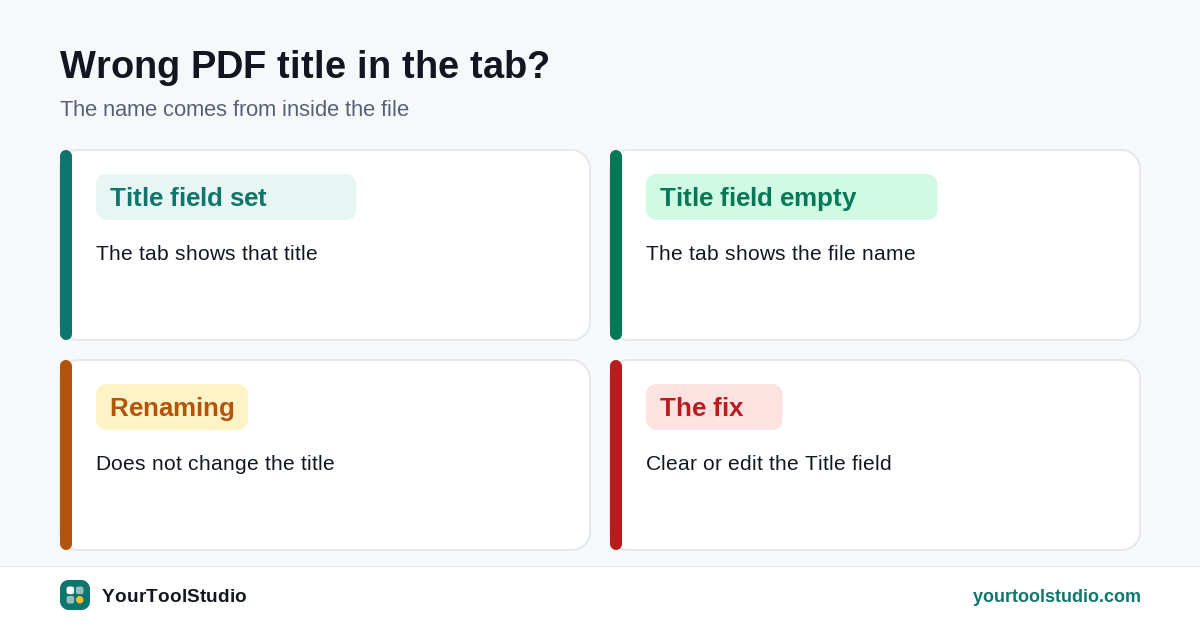
Your PDF shows a different title in the tab because the file has its own Title field, and Chrome and Edge display that field instead of the file name. Renaming the file does not touch it. To fix the tab, clear the Title field or replace it with the right wording.
The title often travels with a document without anyone noticing. A report built from an old template, for example, can keep the template's title through every later version.
Where the tab name comes from
A PDF stores two separate names. The file name belongs to your computer or web address. The document title is saved inside the PDF, in a place the W3C describes as the Title entry in the document information dictionary. Chromium's PDF viewer source code uses the document title when one exists and falls back to the file name when it does not.
What we measured in Chrome and Edge
On 19 November 2026 we opened 11 test PDFs in Chrome 157 and Edge 157 on Windows, then read the name each browser gave the tab. Each file was built to isolate one situation.
| What the test PDF contained | Chrome tab | Edge tab |
|---|---|---|
| Title set to Quarterly Draft v3, file named report-final.pdf | Quarterly Draft v3 | Quarterly Draft v3 |
| No Title field | File name | File name |
| Title field present but empty | File name | File name |
| Title set to the word Untitled | Untitled | Untitled |
| Title set, with the display title preference off | The title | The title |
| Title set, with the display title preference on | The title | The title |
| Title in the Info field and a different title in XMP metadata | The Info title | The Info title |
| Title in XMP metadata only | File name | File name |
| No title, with spaces in the web address | my report v2.pdf | my report v2.pdf |
| Title set, and the server sent another file name | The title | The title |
| No title, and the server sent another file name | The server's file name | The name in the web address |
Three results are worth remembering. An empty Title field is enough to bring the file name back. The display preference made no difference in either browser. And when a PDF holds two different titles, editing the XMP copy alone will not change what Chrome or Edge shows.
Why renaming the file does not work
Renaming changes the label your computer keeps outside the document. The title inside stays exactly as it was. In our first test the file was called report-final.pdf, yet both browsers showed Quarterly Draft v3. You could rename that file a hundred times and the tab would not change.
Remove the title for free
The Organize PDF tool builds a new PDF from your pages and does not copy the old Title field across. We ran our titled test file through the live tool. The saved copy had no title, and Chrome and Edge both showed its file name in the tab.
- Open Organize PDF and add your file. It is processed in your browser, so it is not uploaded.
- Leave the pages as they are, or reorder them if you need to.
- Select Save organized PDF, then Download PDF.
- Rename the download to the name you want people to see.
- Open the new copy in your browser and check the tab.
Rebuild the file from its pages, with no upload and no watermark.
If the PDF is password protected, the tool cannot read it. When you are allowed to remove the password, use Unlock PDF first.
Set a new title instead
Clearing the title makes the tab show the file name, which is enough for most people. If you want a descriptive title that differs from the file name, you need an editor that can change document properties. The W3C technique gives these steps for Adobe Acrobat Pro:
- Choose File, then Properties, and open the Description tab.
- Type the new wording in the Title field.
- To have Acrobat show it too, open the Initial View tab and choose Document Title from the Show list under Window Options.
- Save the PDF, then reopen it in your browser.
If you still have the original Word, PowerPoint or design file, check its document properties as well. Otherwise the old wording may return the next time you export a PDF from it.
Which fix suits your situation?
| Your situation | Best fix | Result in Chrome and Edge |
|---|---|---|
| The tab shows an old draft or template name | Clear the title with Organize PDF | The file name |
| The tab says Untitled | Clear the title, or set a real one | The file name or your new title |
| You publish reports and want a readable tab name | Set a descriptive title in a PDF editor | Your new title |
| You only need the downloaded file renamed | Rename the file | No change if a title exists |
| The PDF combines several documents | Use Merge PDF to build the combined file | Check the tab after saving |
If you publish PDFs on a website
The title matters more once strangers can open the file. A leftover title can show an internal project name or an earlier draft to every visitor, so check it before uploading. In our test, a file name sent by the server did not override a title stored in the PDF. Changing the server settings therefore will not fix a wrong tab name, and the PDF itself has to be corrected.
A clear title also helps people who rely on assistive technology. The W3C technique recommends a descriptive title so that readers can identify the document. Our guide to putting a PDF on a website covers the rest of the publishing process.
Frequently asked questions
Why does my PDF show a different name in Chrome?
Chrome displays the Title field stored inside the PDF when one exists. It shows the file name only when that field is missing or empty.
Does renaming a PDF change its title?
No. Renaming changes the file name only. The document title is stored inside the PDF and stays the same until it is edited or removed.
How do I make a PDF tab show the file name?
Remove the document title. In our test, a PDF rebuilt with Organize PDF had no title, and Chrome and Edge then showed its file name.
Why does my PDF tab say Untitled?
The Title field may literally contain the word Untitled. Chrome and Edge both displayed that word in our test, so clear the field or enter a real title.
Does Edge show the PDF title or the file name?
Edge 157 showed the stored title in our test, the same as Chrome 157. It showed the file name when the Title field was missing or empty.