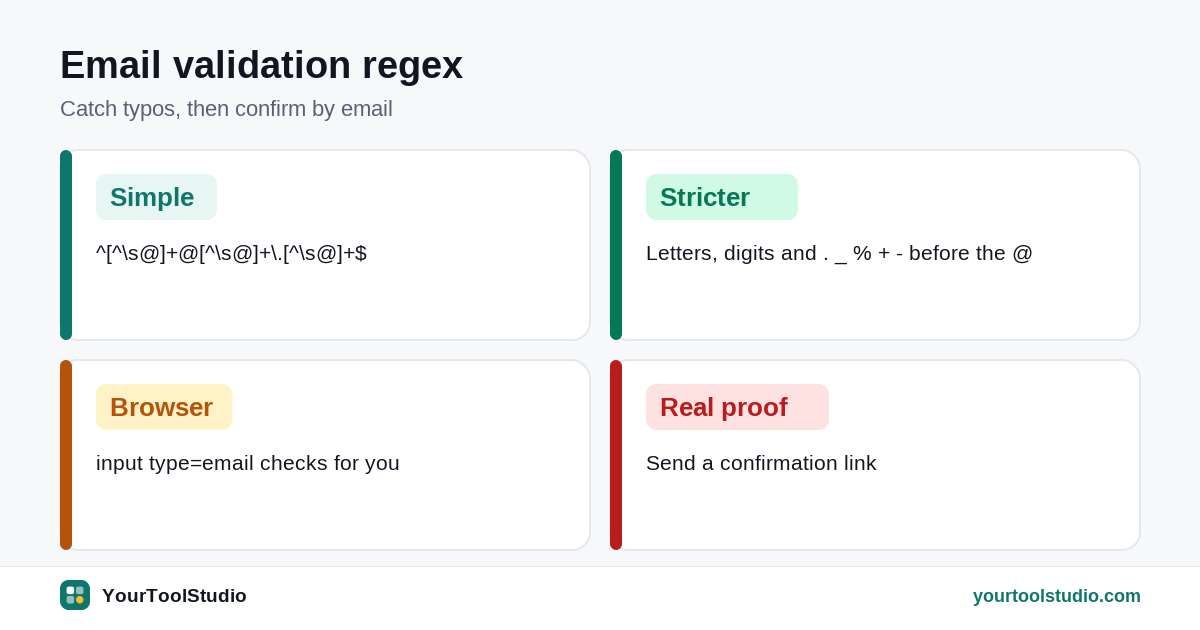
For most forms, this is enough:
^[^\s@]+@[^\s@]+\.[^\s@]+$It requires something before the @, something after it, and a dot in the domain, with no spaces. It catches the typos people actually make. Test it with your own examples in the Regex Tester.
Patterns compared
| Pattern | Catches | Trade-off |
|---|---|---|
^[^\s@]+@[^\s@]+\.[^\s@]+$ | Missing @, missing domain dot, spaces | Allows some odd but harmless input |
^[A-Za-z0-9._%+-]+@[A-Za-z0-9.-]+\.[A-Za-z]{2,}$ | Also odd characters and one-letter endings | Rejects valid non-English addresses |
| The full RFC 5322 regex | Almost exactly the standard | Unreadable, slow, and still not proof the address works |
Use it in JavaScript
const isEmail = (s) => /^[^\s@]+@[^\s@]+\.[^\s@]+$/.test(s.trim());
isEmail("anna@example.com"); // true
isEmail("anna@example");     // false
In HTML forms, <input type="email"> already checks the format in every modern browser and shows a friendly message. Add the regex for server-side checks, where browser validation can be bypassed.
Test patterns live
- Open Regex Tester and click the Email sample, or paste your own pattern.
- Turn on the m (multiline) and g (global) flags.
- Paste test addresses, one per line: good ones, and mistakes like
anna@@example.comoranna@example. - Matches are highlighted and listed with their position and groups.
Live highlighting, groups, flags and a cheat sheet. Private.
Validation checklist
- Trim spaces before checking; copy-paste often adds them.
- Lowercase the domain part before comparing addresses.
- Do not block plus addressing like
anna+news@example.com; it is valid and popular. - Confirm by sending a link before trusting an address for anything important.
- Rate-limit sign-up forms to stop bots, which a regex cannot do.
Cleaning a list of addresses? Remove Duplicate Lines and Find and Replace with regex make quick work of it.
Frequently asked questions
What is the best regex for email validation?
A simple one such as ^[^\s@]+@[^\s@]+\.[^\s@]+$ catches real typos. Confirm the address by email for certainty.
Can a regex fully validate an email address?
No. The standard is too complex, and a valid format does not mean the mailbox exists.
Is input type=email enough?
For the browser, yes, but always validate again on the server, since browser checks can be bypassed.
Should I allow plus signs in emails?
Yes. Addresses like name+tag@example.com are valid and widely used.
How do I test a regex?
Paste the pattern and sample text into Regex Tester. Matches are highlighted as you type.