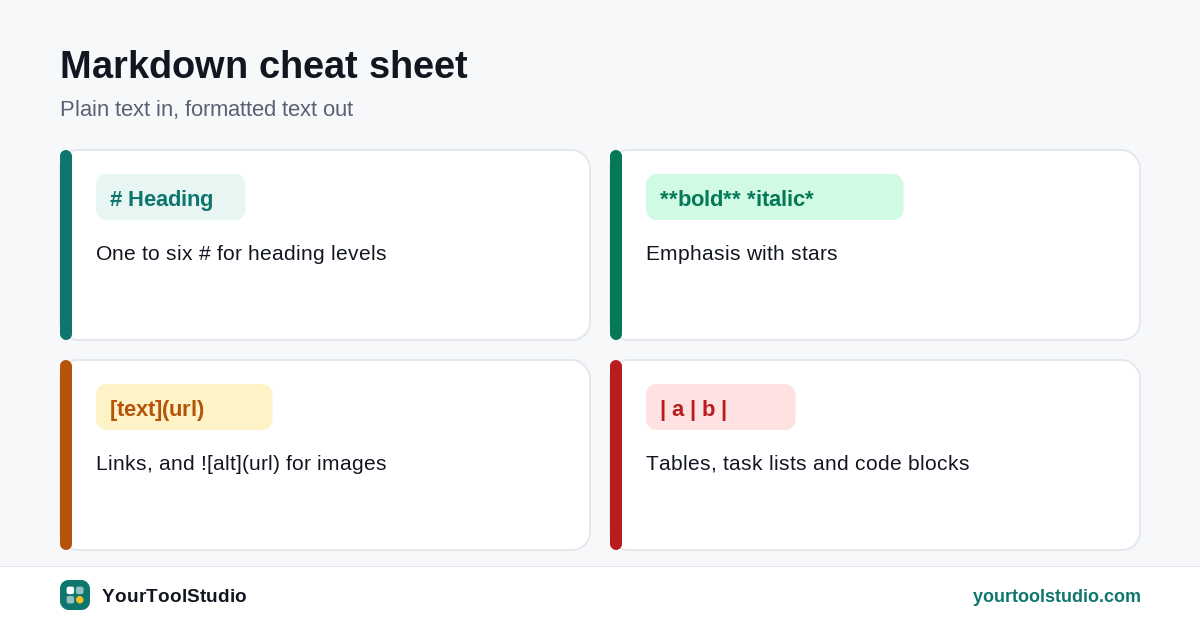
Try every example below in Markdown Preview: type on the left, see the formatted result on the right, then copy the HTML or download the file.
Basic syntax
| You type | You get |
|---|---|
# Heading 1 to ###### Heading 6 | Headings |
**bold** | bold |
*italic* | italic |
~~strikethrough~~ | |
`inline code` | inline code |
[link text](https://example.com) | A link |
 | An image |
> quote | A blockquote |
--- | A horizontal line |
Lists
- Bullet item
- Another item
  - Nested item (indent two spaces)

1. Numbered item
2. Second item

- [x] Done task
- [ ] Open task
Tables
| Tool    | Price | Works offline |
| ------- | ----: | :-----------: |
| Editor  | Free  | Yes           |
| Preview | Free  | Yes           |
Colons in the divider row align columns: right with ---:, centre with :---:.
Code blocks
```js
console.log("Hello");
```
Three backticks start and end a block; the word after them names the language for syntax colouring on GitHub and most documentation sites.
Side-by-side editor, tables and task lists, HTML export.
Where Markdown works
| Place | Notes |
|---|---|
| GitHub, GitLab | Full GitHub Flavored Markdown: tables, task lists, code |
| Notion, Obsidian | Type Markdown and it formats as you go |
| Discord, Reddit, Slack | Bold, italic, code and quotes; tables vary |
| AI chat tools | Responses are usually written in Markdown |
| WordPress | Markdown block or plugins |
Convert Markdown
Turn Markdown into HTML, HTML into Markdown or either into plain text with the Document Converter. Got a PDF? PDF to Markdown extracts clean, structured text.
Frequently asked questions
How do I make text bold in Markdown?
Wrap it in two stars on each side: **bold**. Two underscores also work.
How do I make a table in Markdown?
Separate columns with | and add a divider row of dashes under the header, such as | --- | --- |.
How do I add a line break?
Leave an empty line for a new paragraph, or end a line with two spaces for a simple line break.
What is GitHub Flavored Markdown?
GitHub's version of Markdown, adding tables, task lists, strikethrough and automatic links.
How do I convert Markdown to HTML?
Paste it into Markdown Preview and copy the HTML, or use Document Converter.