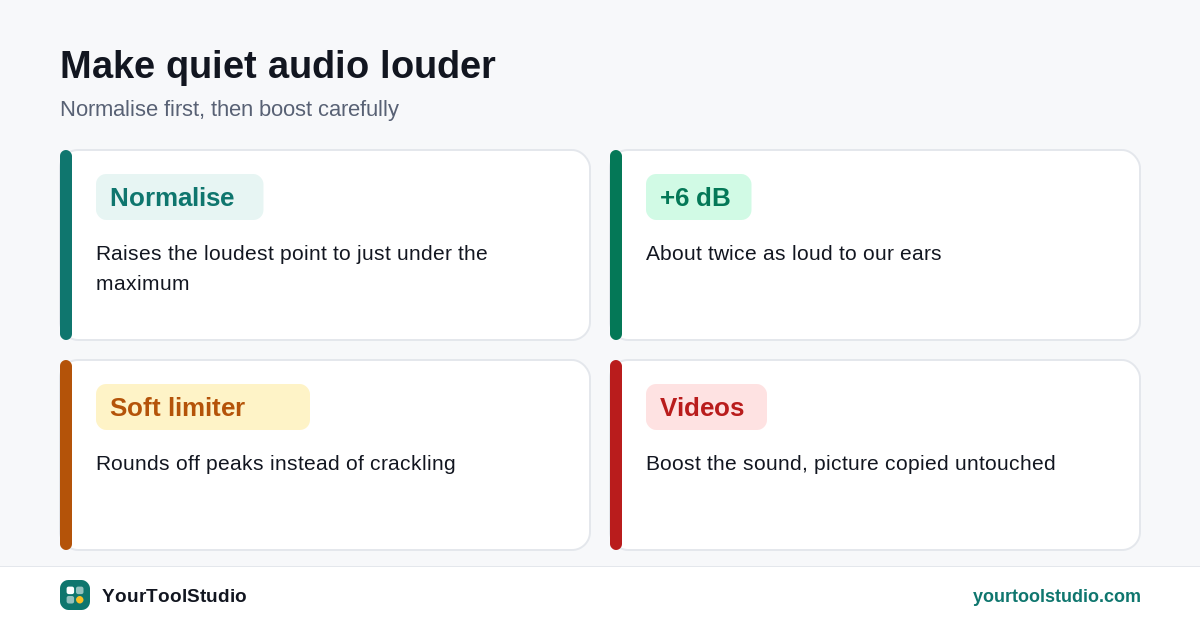
For audio files, open Change Audio Volume; for videos, open Change Video Volume. Start with Normalise. If it is still too quiet, boost by +6 to +12 dB. A soft limiter keeps the loudest moments from crackling.
Normalise or boost?
| Method | What it does | Use when |
|---|---|---|
| Normalise | Finds the loudest moment and raises everything evenly until that moment is just under the maximum | First step for any quiet recording |
| Boost by dB | Adds a fixed amount of volume | Normalise was not enough, or the file has one loud spike |
| Lower by dB | Makes everything quieter | Music too loud under a voice, harsh recordings |
Step by step
- Open the right tool: audio files or videos.
- Add the file. MP3, WAV, M4A, OGG and the sound of MP4 or MOV videos all work.
- Choose Normalise and press Change volume. Listen on a phone speaker and on headphones.
- Still too quiet? Go back and choose a boost of +6 dB, then +10 dB if needed.
- Download the result. For videos, the picture is copied without re-encoding.
Normalise or boost in one click, free and private.
Why boosted audio crackles
Digital audio has a ceiling. Push a sound past it and the tops of the waves are chopped off, which you hear as harsh crackle, called clipping. Normalising stops just under the ceiling. When you boost further, a soft limiter gently rounds the loudest peaks instead of chopping them, so you get more volume with far less distortion.
When louder is not the answer
- Voice hard to understand, not quiet: try the Voice preset in the Audio Equalizer, which lifts the speech frequencies.
- Music drowns out speech in a video: lower the music in Audio Mixer or re-add it at a lower level with Add Audio to Video.
- Several files at different levels: normalise each one, then join them with Audio Joiner.
Frequently asked questions
How can I increase the volume of an MP3?
Open Change Audio Volume, add the MP3 and choose Normalise. If it is still quiet, boost it by 6 to 10 dB.
How do I make a video louder?
Use Change Video Volume. Only the sound is changed; the picture is copied untouched, so quality stays the same.
What does normalise mean?
It raises or lowers the whole file evenly so its loudest point sits just under the maximum level.
Why does my audio sound distorted after boosting?
It hit the maximum level and clipped. Use a smaller boost; the soft limiter in these tools keeps distortion low.
Can I make several files equally loud?
Normalise each file the same way, and they will peak at the same level.