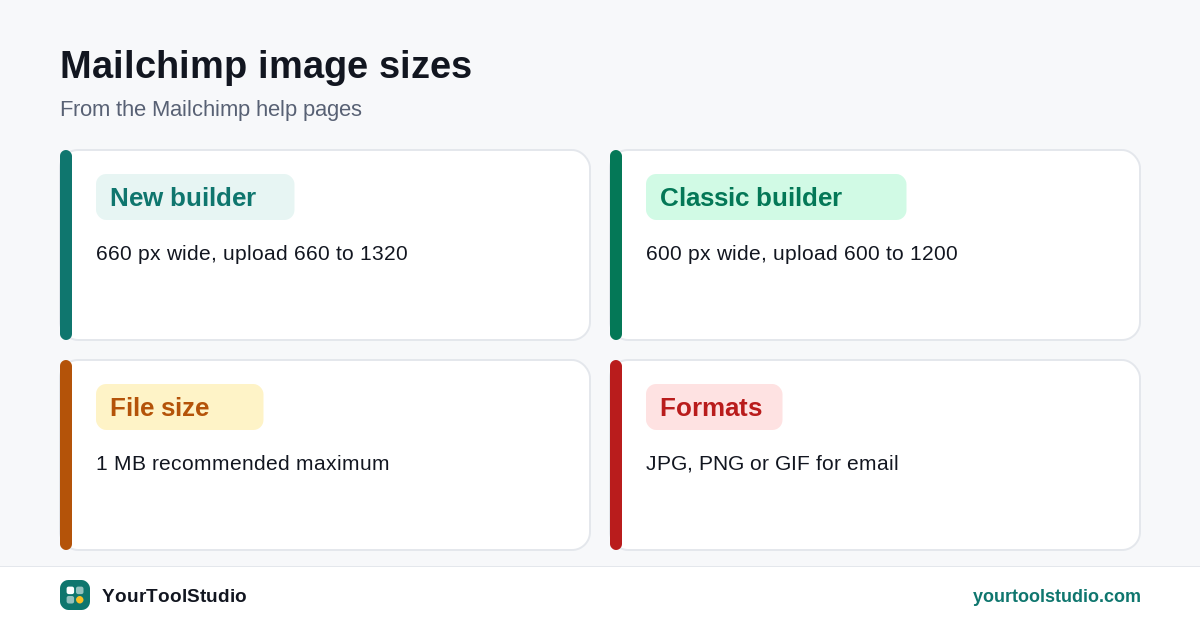
For a Mailchimp email, upload images 660 to 1320 pixels wide in the new builder, or 600 to 1200 pixels wide in the classic builder, and keep each file to about 1 MB. Mailchimp shrinks images to fit their block, so the larger end of each range gives sharper results on high resolution screens. Every figure below comes from the Mailchimp help pages linked in each section, read on 22 November 2026.
Email width by builder
Mailchimp's Image Recommendations for Content Blocks article gives two template widths, one for each email builder.
| Builder | Template width | Recommended upload width |
|---|---|---|
| New builder | 660 px | 660 to 1320 px |
| Classic (legacy) builder | 600 px | 600 to 1200 px |
The upper figure in each range is twice the template width. Mailchimp's advice for high resolution (retina) screens is to use a higher resolution photo and constrain its dimensions, which is what uploading at double width does.
Minimum image width per column
Images smaller than these widths will not fill their section. The same article lists them for both builders:
| Section layout | Classic builder minimum | New builder minimum |
|---|---|---|
| Full width | 564 px | 660 px |
| 2 columns | 264 px | 330 px |
| 3 columns | 164 px | 220 px |
| 4 columns | 132 px | 165 px |
In the classic builder the block type matters too. Mailchimp lists 564 px for an Image block set edge to edge, 564 px for an Image Card edge to edge or 528 px when it is not, and 564 px for a full width Image Group or 264 px for a two column group. Image + Text blocks range from 352 px with a one third caption down to 132 px with a three quarters caption.
Landing page widths
Mailchimp landing pages are much wider than emails. The content block article gives these page widths and minimum Image block widths in the classic builder:
| Landing page width | Minimum Image block width |
|---|---|
| 780 px | 744 px |
| 960 px | 924 px |
| 1224 px | 924 px |
| 1332 px | 1188 px |
For images set to 100 percent width, Mailchimp advises 1500 to 2500 pixels wide, and warns that images wider than 2500 pixels may not be resized properly.
File size, formats and colour
| Setting | Mailchimp guidance | Source |
|---|---|---|
| File size | A maximum of 1 MB is recommended | About Template Images |
| Email formats | JPG, GIF or PNG; PDF, PSD and AI files cannot be used as images | About Template Images |
| Content studio uploads | JPG, JPE, JPEG, GIF, PNG and BMP | Upload, add and edit images |
| Transparency | Use PNG | About Template Images |
| Colour mode | RGB, not CMYK | About Template Images |
| Resolution | 72 dpi is generally enough but not required | About Template Images |
| File names | No spaces or special characters | About Template Images |
Note that 1 MB is a recommendation, not a stated upload cap: none of the pages read for this guide gives a hard per file limit. A smaller file still loads faster for readers on mobile data. Compress Image brings a photo under 1 MB, Resize Image sets the width, and JPG to PNG helps when a logo needs a transparent background. Uploads are renamed to a unique identifier in the content studio, so name files clearly before you upload if you want to find them again.
Backgrounds and logos
Mailchimp's background image article repeats the 660 to 1320 pixel range for emails, because templates are 600 to 660 pixels wide, and 1500 to 2500 pixels for landing pages. Size options are Auto, Cover and Contain, and the image can repeat horizontally, vertically, both ways or not at all.
For a brand logo, the default logo article gives no pixel size. It recommends a large PNG or JPG with a transparent background, accepts PNG, JPG or GIF, and says classic logo blocks follow Image block sizes, with a recommended minimum width of 564 px.
A quick worked example
Say you have a 4032 x 3024 phone photo of 3.8 MB for a full width image in a new builder email. Resize it to 1320 px wide, which gives 1320 x 990, export it as JPG, and compress it until it is under 1 MB. For a two column layout, 660 px wide (twice the 330 px minimum) keeps it sharp at a fraction of the size. Compare with other platforms in our email signature image size guide.
Frequently asked questions
What size should images be for Mailchimp emails?
Upload them 660 to 1320 pixels wide for new builder emails, which are 660 pixels wide, or 600 to 1200 pixels wide for classic emails, which are 600 pixels wide. Mailchimp resizes them to fit the block.
What is the Mailchimp image file size limit?
Mailchimp recommends a maximum of 1 MB per image. Its help pages present this as a recommendation rather than a hard upload limit, and smaller files load faster for your readers.
What image formats does Mailchimp accept?
For emails Mailchimp recommends JPG, GIF or PNG, and says PDF, PSD and AI files cannot be used. The content studio accepts JPG, JPE, JPEG, GIF, PNG and BMP uploads.
Why do my Mailchimp images look blurry?
They are probably too small for their block, so Mailchimp stretches them. Use at least the minimum width for the column, and for high resolution screens upload at about twice the display width.
What size should a Mailchimp landing page image be?
For an image set to 100 percent width, Mailchimp advises 1500 to 2500 pixels wide, and warns that images wider than 2500 pixels may not resize properly.