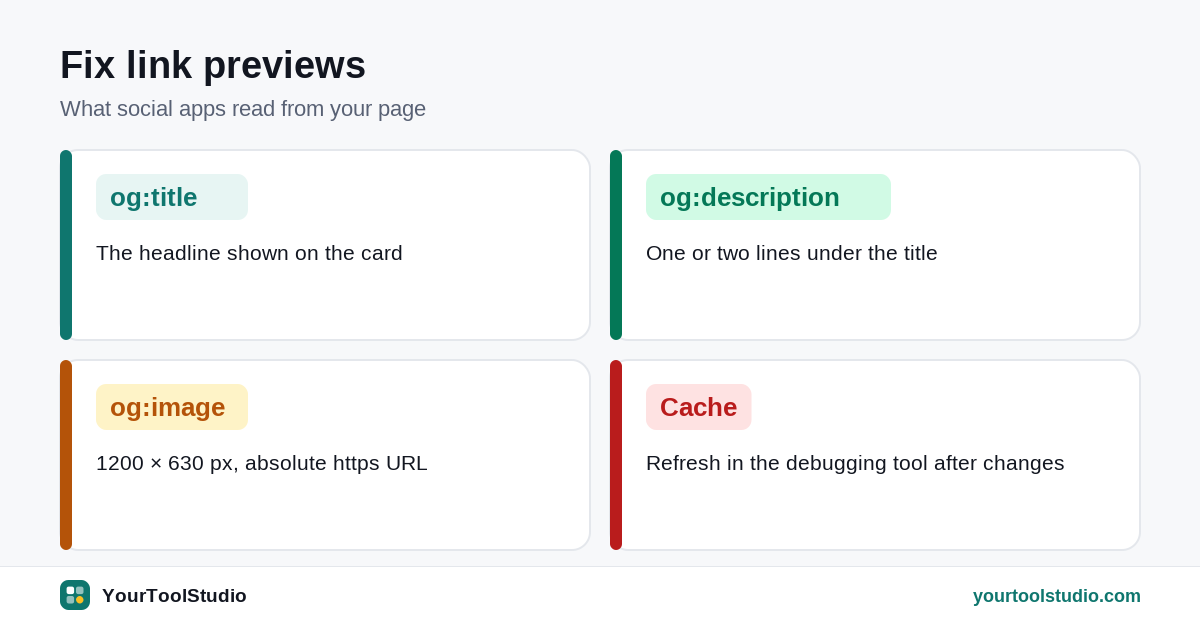
Link previews are built from Open Graph tags in your page's HTML. Use Social Media Preview to see how your link will look on Google, Facebook, LinkedIn, X and WhatsApp, and copy the exact tags to add to your page.
The tags that matter
| Tag | Used for | Tip |
|---|---|---|
| og:title | Card headline | Under 60 characters |
| og:description | Text under the title | Under 160 characters |
| og:image | The picture | 1200 × 630, absolute https URL |
| og:url | The canonical address | Match the page URL |
| twitter:card | Large or small card on X | summary_large_image |
Common causes and fixes
- No image: og:image is missing, uses a relative path like /img.jpg, or points to a blocked or very large file. Use a full https URL and an image under 5 MB.
- Old title or image: the network cached the page. Change it, then refresh with Facebook Sharing Debugger, LinkedIn Post Inspector or by re-sharing after a while.
- Random picture from the page: no og:image, so the app guessed. Add one.
- Image cropped badly: keep important content in the centre; some apps show it square.
- Works on Facebook but not WhatsApp: WhatsApp prefers smaller images (under about 300 KB is safest) and needs the tags in the first part of the page.
Build and test the tags
- Open Social Media Preview.
- Enter title, description, page URL and site name; add the image URL or choose a file to preview.
- Fix any length warnings shown in the side panel.
- Copy the meta tags into the
<head>of your page. - Publish, then refresh the cache in each network's debugging tool.
Google, Facebook, LinkedIn, X and WhatsApp side by side, plus the tags.
Make the share image
Resize any picture to 1200 × 630 with Resize Image, then keep it light with Compress Image. For structured data that helps search results too, read our schema markup guide.
Frequently asked questions
Why is my link preview not showing an image?
The page probably has no og:image tag, or it uses a relative or blocked URL. Add a full https link to an image of 1200 by 630 pixels.
How do I update an old link preview?
Change the tags, then refresh the cached version with the network's debugging tool, such as Facebook Sharing Debugger or LinkedIn Post Inspector.
What size should an OG image be?
1200 by 630 pixels, a 1.91 to 1 ratio, under 5 MB. Keep it smaller for WhatsApp.
Do I need Twitter tags as well?
X reads Open Graph tags but twitter:card controls the large image layout, so add it.
Does Google use Open Graph tags?
Google mainly uses the title tag and meta description for search results, which the tool also previews.