Think of CSV as a table written out as text: one line per row, commas between the columns, and it opens straight into Excel or Google Sheets. JSON is closer to a labelled document, with named fields, nesting and proper data types, and it is what programs and web services hand to each other. Rather than asking which one is better, ask where the data is headed next.
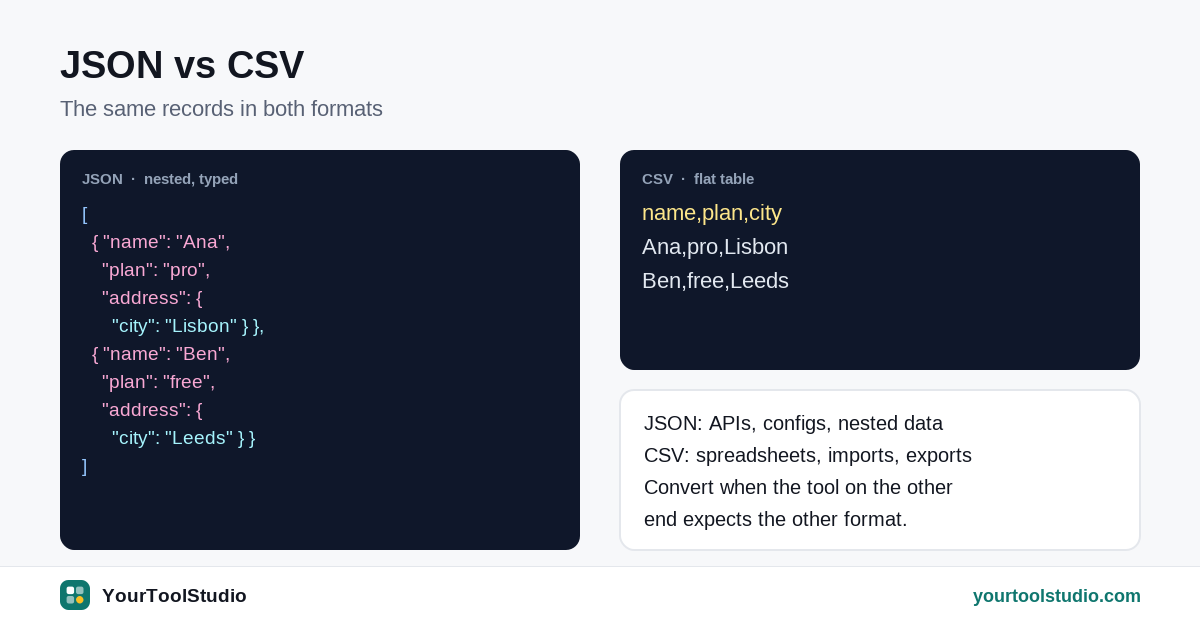
Side by side
name,role,active
Ada,admin,true
Linus,dev,true
[
{ "name": "Ada", "role": "admin", "active": true },
{ "name": "Linus", "role": "dev", "active": true }
]The content is identical. CSV relies on position: the first column is always the name, the second the role, the third the status. JSON repeats the field names inside every record. That repetition costs bytes, which is why CSV is leaner, but it also means a JSON record still makes sense on its own.
Reach for CSV when
- Every record has the same simple shape, with no lists inside lists.
- The data is heading to a spreadsheet, a database import, a report or a mail merge.
- Someone will open the file in Excel and possibly edit it by hand.
- You are moving very large exports and size matters.
CSV has a few traps. A value containing a comma must be wrapped in quotes, and a quote inside a value has to be doubled. Spreadsheet apps handle this for you, but hand edits often break it. There is also no agreed way to write dates or decimals, so two programs may read the same column differently.
Reach for JSON when
- The data has layers, like an order containing several items or a customer with an address block.
- It is going to a web API, a JavaScript app or a configuration file.
- You want the file to explain itself, with numbers, true/false values and objects instead of plain text everywhere.
- Whole records are passed around at once rather than one row at a time.
Most of the modern web speaks JSON: REST APIs, webhooks, browser storage and many config systems. The cost shows up at scale. Flat JSON is wordy, and loading a huge JSON file into memory takes more resources than reading the equivalent CSV line by line.
A quick comparison
| Feature | CSV | JSON |
|---|---|---|
| Structure | Flat rows and columns | Labelled, nestable records |
| Natural home | Spreadsheets, databases, reports | APIs, apps, config files |
| Types | Everything is text | Strings, numbers, booleans, objects, arrays |
| Size | Compact | Larger for the same flat data |
| Easy to read in | Any spreadsheet app | A code editor or JSON viewer |
Moving between the two
The most common trip is JSON to CSV: an app or API gives you JSON and a colleague wants a spreadsheet. It goes smoothly when the JSON is an array of flat objects. When records have different fields, the converter has to settle on one set of columns, so some cells end up empty, and nested parts land in a cell as text.
The opposite trip happens too. A list kept in a spreadsheet becomes JSON when it needs to feed an app, a chatbot or a form that accepts structured data.
Only want to view a JSON file in a spreadsheet? Our guide on opening a JSON file in Excel covers Power Query and the CSV shortcut.
Free, instant and private: the conversion happens in your browser.
Frequently asked questions
Is a CSV file smaller than the same data in JSON?
Usually, yes. For flat tables CSV wins because it lists the column names once instead of repeating a label, quotes and braces around every single value.
Can a CSV file hold nested data?
Not in a clean way. CSV only knows rows and columns, so nested data has to be flattened into extra columns or stuffed into a cell as text. JSON stores nesting natively.
When does it make sense to turn JSON into CSV?
When the JSON is a flat list of similar records and you need it in a spreadsheet, a report, a mail merge or an import screen that expects rows. Deeply nested JSON is better left as JSON.