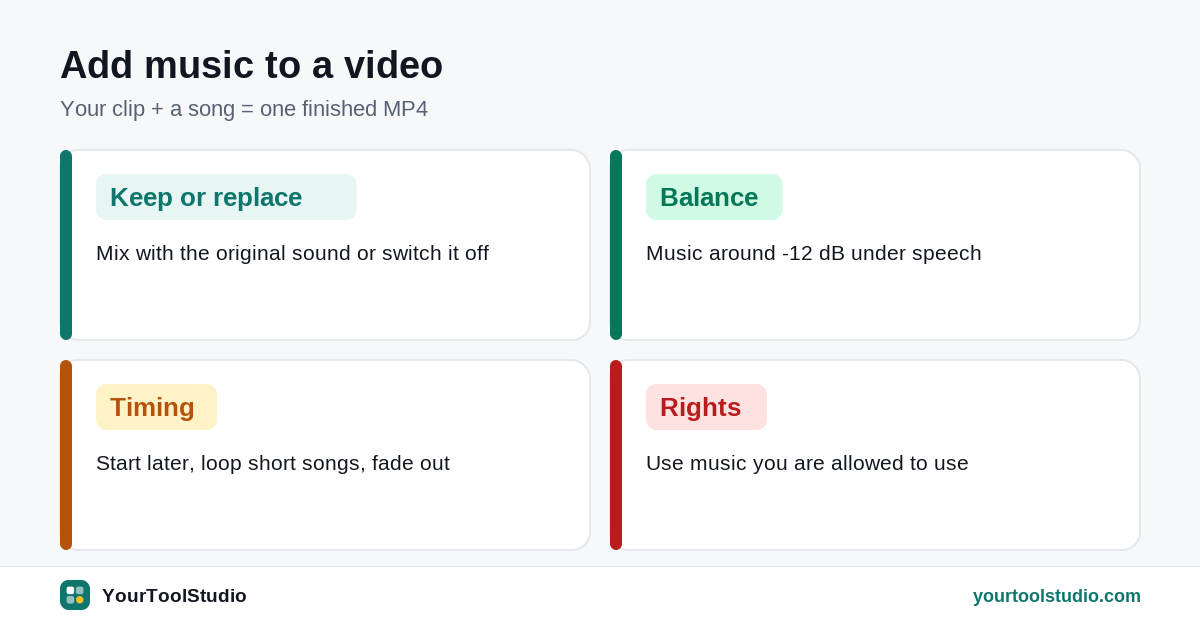
The quick way: open Add Audio to Video, add your video, choose the song, set the volumes and press Add audio. The picture is copied untouched, so it is fast and the image quality stays exactly the same.
Step by step
- Open Add Audio to Video and add your clip.
- Choose the music: MP3, WAV, M4A or the sound from another video.
- Decide whether to keep the original sound. If you keep it, lower the music so voices stay clear.
- Set where the music starts, whether a short song should loop, and tick fade out for a smooth ending.
- Press Add audio, play the result and download it.
Free, no watermark, no sign-up. The video never leaves your device.
Getting the balance right
| Video type | Original sound | Music |
|---|---|---|
| Talking to camera, tutorial | 0 dB | -15 to -20 dB |
| Vlog with some speech | 0 dB | -10 to -12 dB |
| Scenery, travel, product shots | Off or -20 dB | 0 dB |
| Slideshow | Off | 0 dB |
Music you can safely use
Adding a song is easy; posting it is where problems start. Commercial songs are protected, and platforms may mute your video, block it in some countries or send the earnings to the rights owner. Safer options:
- The licensed music library inside TikTok, Instagram or YouTube, added in the app itself.
- Royalty-free libraries that allow your type of use; read the licence, especially for business use.
- Music you made yourself, or a voice-over recorded with the Voice Recorder.
More audio tricks
- Song too long? Cut it first with Trim Video, which handles audio files too.
- Want music under a voice-over in one track? Combine them in Audio Mixer, then add the mix to the video.
- Original sound too quiet? Fix it with Change Video Volume before adding music.
- Several clips? Merge them first, then add one song over everything.
Frequently asked questions
How do I add music to a video without losing the original sound?
Keep the original sound switched on and lower the music, usually to about -12 dB, so both are heard.
Can I add music to a video on iPhone for free?
Yes. Open Add Audio to Video in Safari, choose the video from Photos and the song from Files, then save the MP4.
What if the song is longer than the video?
It is cut at the end of the video. Tick fade out so it ends smoothly instead of stopping abruptly.
Is it legal to add any song to my video?
For private use it is usually fine. To post publicly, use licensed music from the platform library, royalty-free music or your own recordings.
Will adding music reduce the video quality?
No. The picture is copied without re-encoding; only the sound track is new.