Open Add Text to Video, add the clip, type your text, pick a font, size and colour, choose where it sits and when it shows, then press Add text. The sound is kept exactly as it was.
Make text readable on a phone
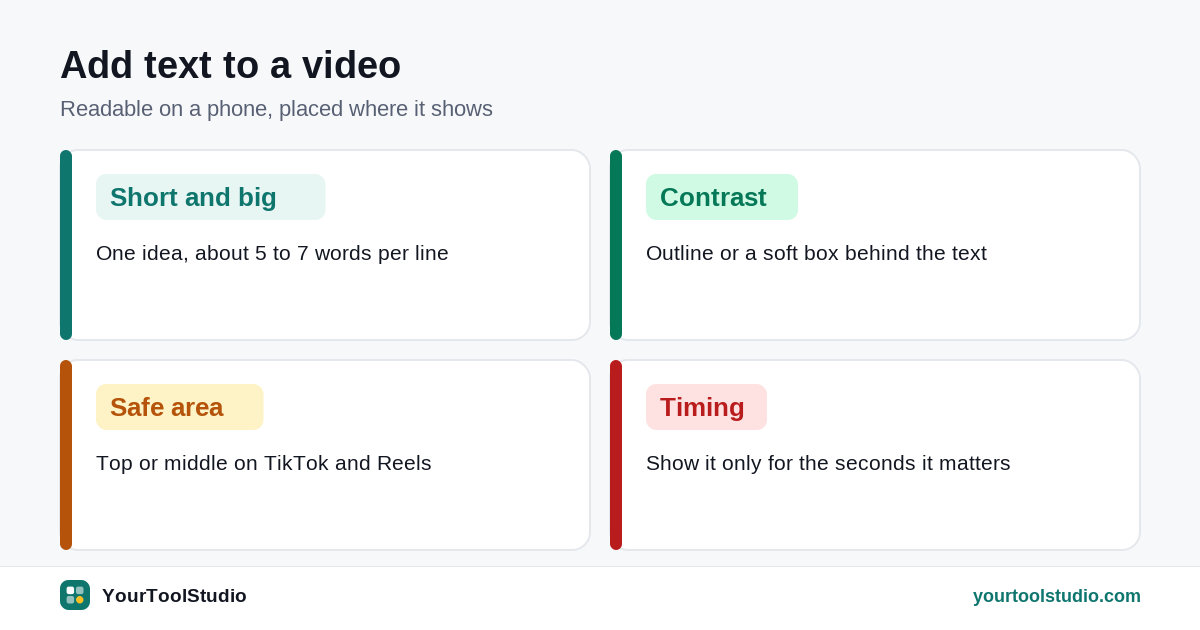
- Short: 5 to 7 words per line, two lines at most.
- Big: at least 5 to 7% of the video height.
- Contrast: white text with a dark outline, or a semi-transparent box behind it, stays readable on bright skies and busy streets.
- Time: leave text on screen long enough to read twice, roughly one second per three words.
Where to put text
| Platform | Best spot | Avoid |
|---|---|---|
| TikTok, Reels, Shorts | Top third or middle | Bottom fifth and right edge (captions and buttons) |
| YouTube | Bottom or top | Bottom right during the end screen |
| Feed posts (4:5 or 1:1) | Top or bottom | Edges, which some apps crop |
Free, no watermark, nothing uploaded.
Ideas that work
- A hook in the first second: the question or promise of the video.
- Prices and product names over product shots.
- Step numbers in tutorials: Step 1, Step 2, Step 3.
- A call to action at the end: follow, visit, book.
Full subtitles
This tool adds one text block at a time, ideal for titles and labels. For full subtitles, create a transcript and an SRT file with Audio to Text; most platforms let you upload SRT captions, which viewers can switch on or off.
Finish the video
Crop it to 9:16 with Crop Video before adding text so the text lands where you expect, and shrink the final file with Compress Video.
Frequently asked questions
How do I put text on a video for free?
Use Add Text to Video. Type the text, style it, choose the position and timing, and save. There is no watermark.
Can text appear only for a few seconds?
Yes. Set a start and end time and the text only shows in that part.
What font size should I use?
On phones, text around 5 to 7% of the video height reads well. Short, bold lines work best.
How do I add subtitles to a whole video?
Make an SRT file with Audio to Text and upload it as captions on the platform.
Does adding text reduce quality?
The video is re-encoded at high quality, which looks the same when watched normally.